147
5 Copy white balance.
Press J to copy the white balance value for the highlighted
photograph to the selected preset. If the highlighted
photograph has a comment (0 270), the comment will be
copied to the comment for the selected preset.
A Fine-Tuning Preset Manual White Balance
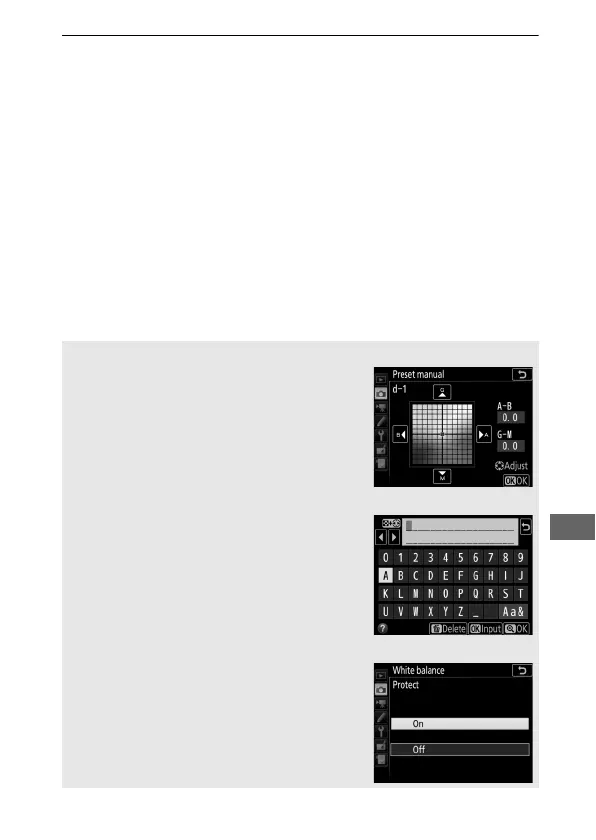
The selected preset can be fine-tuned by
selecting Fine-tune and adjusting white
balance as described in “Fine-Tuning
White Balance” (0 134).
A Edit Comment
To enter a descriptive comment of up to 36
characters for the current white-balance
preset, select Edit comment in the preset
manual white balance menu and enter a
comment.
A Protect
To protect the current white-balance preset,
select Protect in the preset manual white
balance menu, then highlight On and press
J. Protected presets can not be modified
and the Fine-tune and Edit comment
options can not be used.



 To Next Page