35
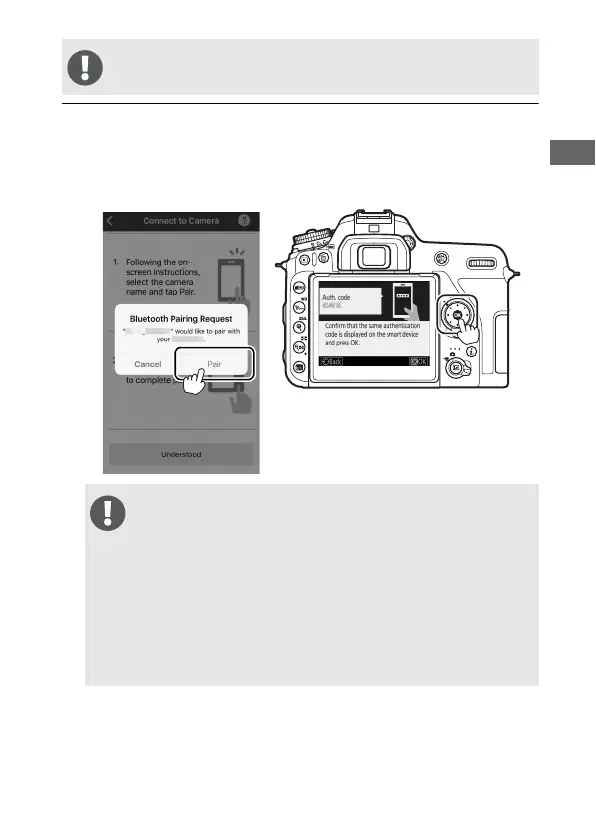
5 Camera/iOS device: Press J on the camera and tap Pair in
SnapBridge (the Pair button may be labelled differently
depending on what version of the operating system you
are using).
The following step involves both the camera and the smart
device. Have them ready side-by-side before proceeding.
If you wait too long between pressing the button on the
camera and tapping the button in SnapBridge, pairing will
fail and an error will be displayed.
• Camera: Press J and return to Step 1.
• Smart device: Quit the SnapBridge app completely by double-
clicking the Home button and swiping up to dismiss
SnapBridge, then request iOS to “forget” the camera and
return to Step 1. For information on requesting iOS to
“forget” devices, see “Forgetting Bluetooth Devices”
(0 37).



 To Next Page