105The i Button
Flash Mode
Choose a flash mode for optional flash units (0 352). The
options available depend on the mode selected with the mode
dial.
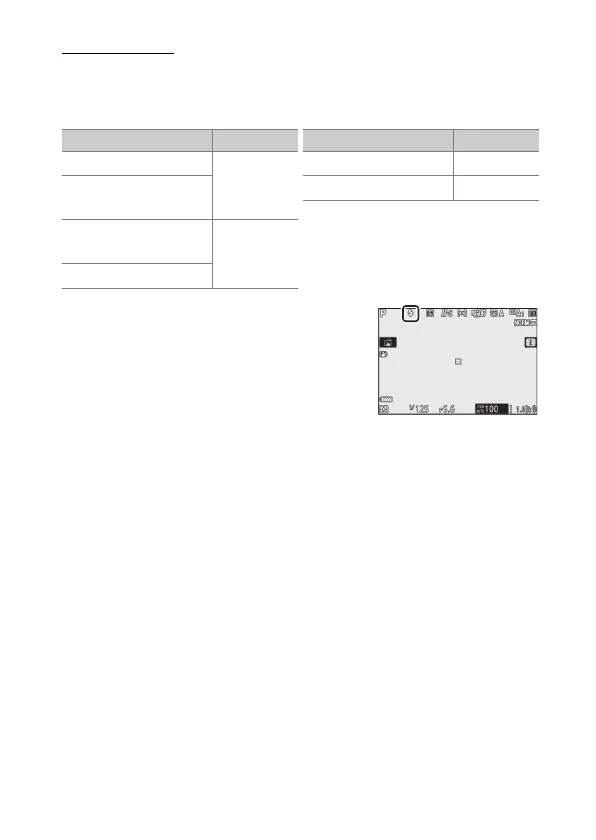
The option currently selected is
indicated by an icon in the display
during shooting.
Option Available in
I
Fill flash
b, P, S, A, M
J
Red-eye
reduction
K
Slow sync+
red-eye
P, A
L
Slow sync
M
Rear-curtain sync P, S, A, M
s
Flash off b, P, S, A, M
Option Available in



 To Next Page