334 Connections
Connections
Expand your photographic horizons by connecting the camera
to smartphones or tablets (smart devices), computers or ftp
servers, or printers or HDMI devices.
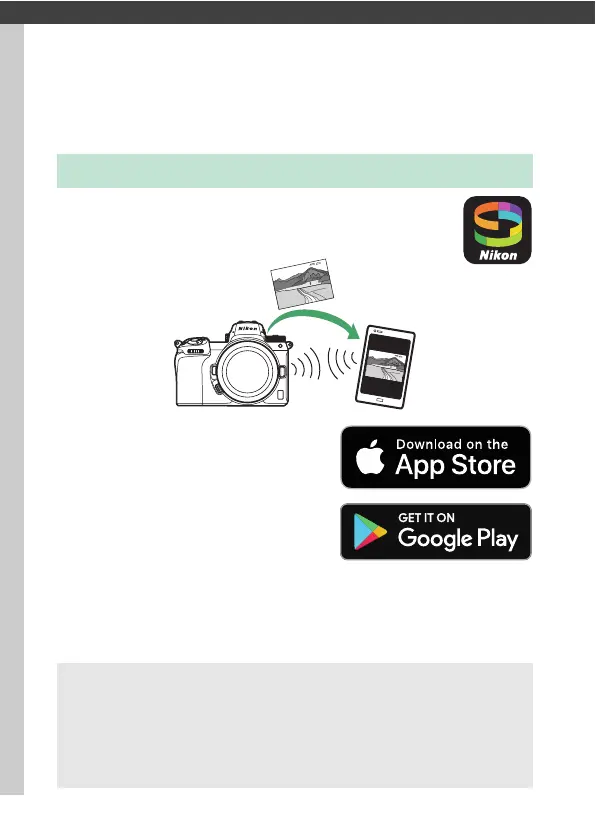
Use SnapBridge to control the camera remotely from
a smart device and download pictures from the
camera.
SnapBridge is available free-of-
charge from the Apple App Store®
and on Google Play™.
Visit the Nikon website for the latest SnapBridge news. For more
information on connecting to the camera and using the
SnapBridge app, see SnapBridge online help.
Connecting to Smart Devices
A Wireless Connections
For information on establishing wireless connections to computers or
smart devices, see the Network Guide, available from the Nikon
Download Center:
Z7: https://downloadcenter.nikonimglib.com/en/products/492/Z_7.html
Z6: https://downloadcenter.nikonimglib.com/en/products/493/Z_6.html



 To Next Page