236 Menu Guide > 1 The Movie Shooting Menu
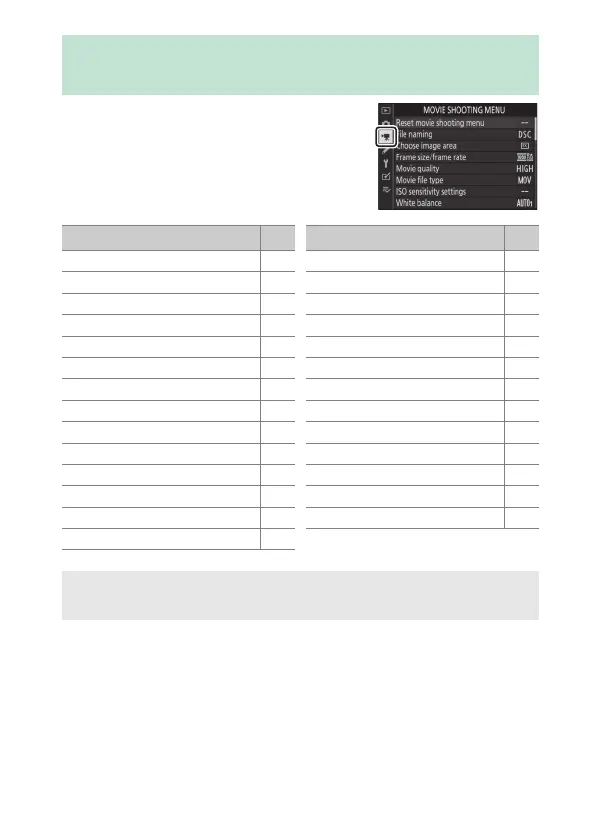
To view the movie shooting menu,
select the 1 tab in the camera menus.
1 The Movie Shooting Menu: Movie Shooting
Options
Option
0
Reset movie shooting menu 237
File naming 237
Choose image area 237
Frame size/frame rate 237
Movie quality 237
Movie file type 237
ISO sensitivity settings 238
White balance 238
Set Picture Control 239
Manage Picture Control 239
Active D-Lighting 239
High ISO NR 239
Vignette control 240
Diffraction compensation 240
Auto distortion control 240
Flicker reduction 240
Metering 241
Focus mode 241
AF-area mode 241
Vibration reduction 241
Electronic VR 241
Microphone sensitivity 242
Attenuator 242
Frequency response 243
Wind noise reduction 243
Headphone volume 243
Timecode 244
Option
0
D See Also
For menu defaults, see “Movie Shooting Menu Defaults” (0 144).



 To Next Page