67Basic Settings
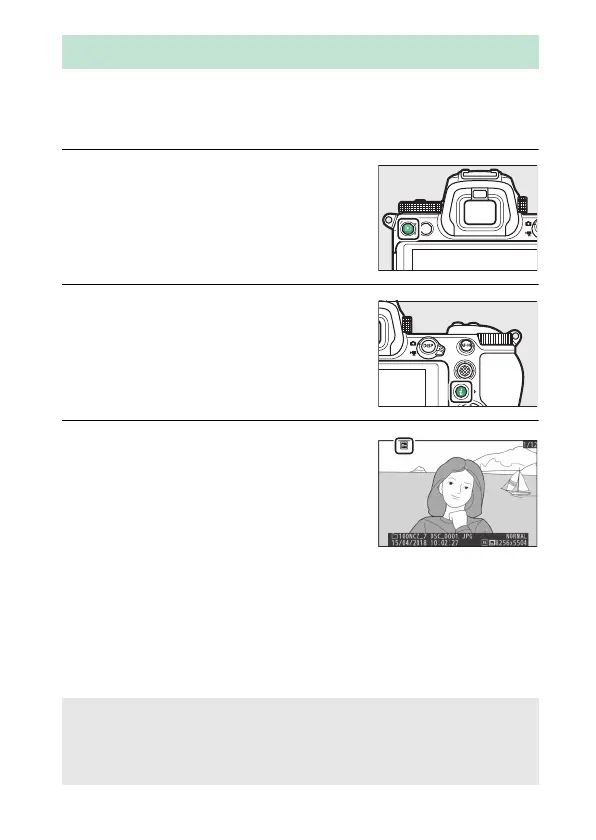
Use the Protect option in the i menu to protect pictures from
accidental deletion. Note that this does
NOT prevent pictures
being deleted when the memory card is formatted.
1 Select an image.
Press the K button to start playback
and display a picture you want to
protect.
2 Display the i menu.
Press the i button to view the i
menu.
3 Select Protect.
Highlight Protect and press J.
Protected pictures are indicated by a
P icon; to remove protection, display
the picture and repeat Steps 2–3.
Protecting Pictures from Deletion
A Removing Protection from All Pictures
To remove protection from all pictures in the folder or folders currently
selected for Playback folder in the playback menu, select Unprotect
all in the i menu.



 To Next Page