343Connections
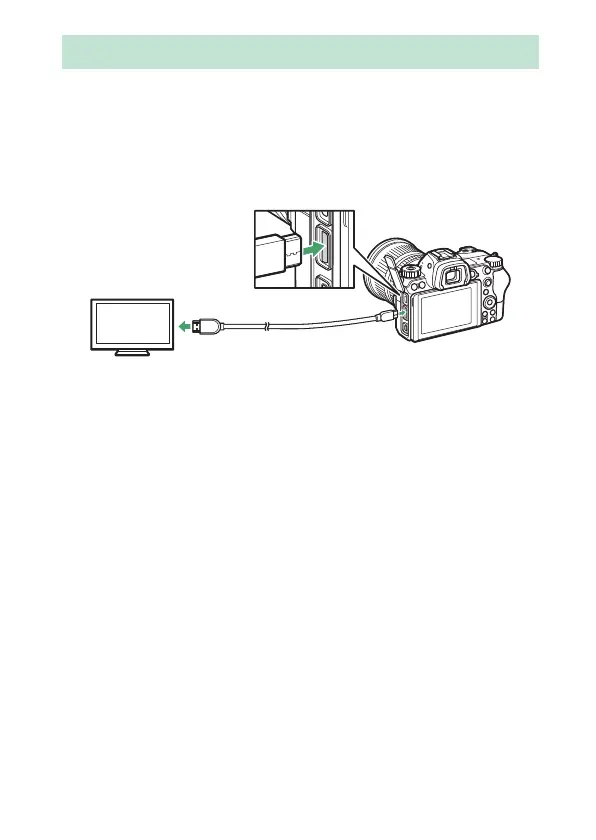
The optional High-Definition Multimedia Interface (HDMI) cable
(0 411) or a type C HDMI cable (available separately from third-
party suppliers) can be used to connect the camera to high-
definition video devices. Always turn the camera off before
connecting or disconnecting an HDMI cable.
❚❚ HDMI Displays
After connecting the camera to an HDMI television or other
display, tune the device to the HDMI channel, then turn the
camera on and press the K button. During playback, images will
be displayed on the television screen. Volume can be adjusted
using television controls; the camera controls cannot be used.
Connecting to HDMI Devices
Connect to camera
Connect to high-definition device
(choose cable with connector for
HDMI device)



 To Next Page