181Menu Guide > C The Photo Shooting Menu
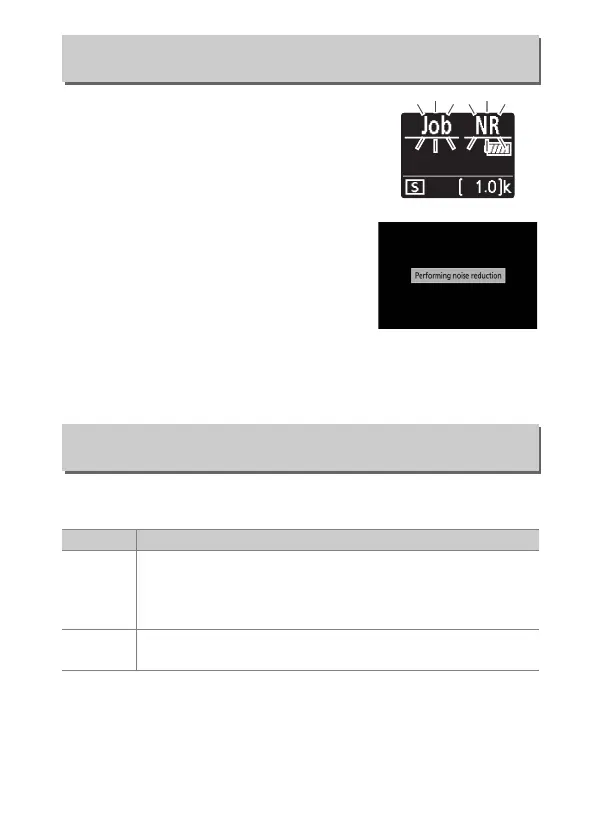
If On is selected, photographs taken at
shutter speeds slower than 1s will be
processed to reduce noise (bright spots
or fog). The time required for processing
roughly doubles; during processing, the
message “Performing noise reduction“
will be displayed, “Job NR” will flash in the
control panel, and pictures cannot be
taken (if the camera is turned off before
processing is complete, the picture will
be saved but noise reduction will not be
performed). In continuous release mode,
frame rates will slow and while photographs are being
processed, the capacity of the memory buffer will drop.
Photographs taken at high ISO sensitivities can be processed to
reduce “noise”.
Long Exposure NR
G button ➜ C (photo shooting menu)
High ISO NR
G button ➜ C (photo shooting menu)
Option Description
High/
Normal/
Low
Reduce noise (randomly-spaced bright pixels), particularly
in pictures taken at high ISO sensitivities. Choose the
amount of noise reduction performed from High, Normal,
and Low.
Off
Noise reduction is performed only as required and never at
an amount as high as when Low is selected.



 To Next Page