120 More About Playback
More About Playback
Learn more about viewing pictures and image information, the
playback i menu, playback zoom, and deleting pictures.
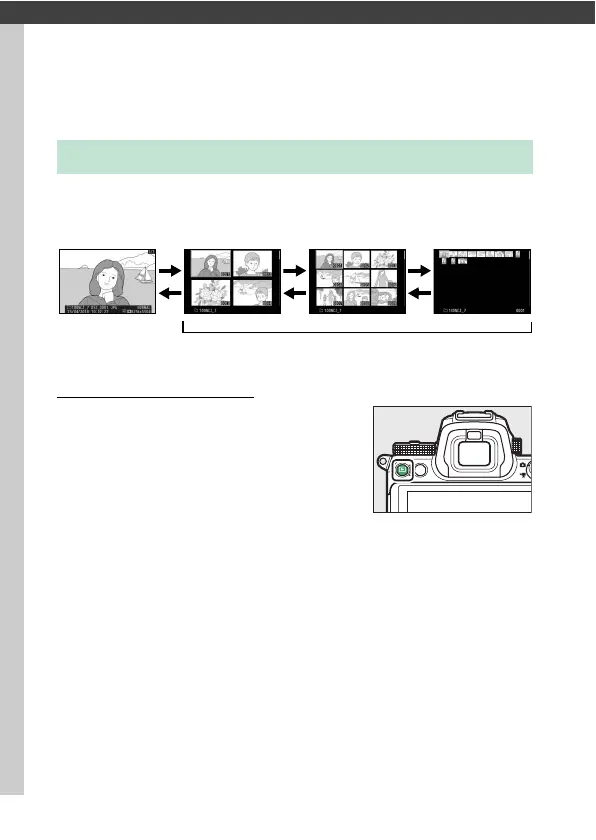
Use the X and W (Q) buttons to cycle between full-frame and
thumbnail playback.
Full-Frame Playback
Press the K button to view the most
recent picture full frame in the display.
Additional pictures can be displayed by
pressing 4 or 2; to view additional
information on the current photograph,
press 1 or 3 or press the DISP button
(0 122).
Viewing Pictures
W
(Q)
X
W
(Q)
X
W
(Q)
X
Full-frame
playback
Thumbnail playback



 To Next Page
 Loading...










