324 Menu Guide > N The Retouch Menu
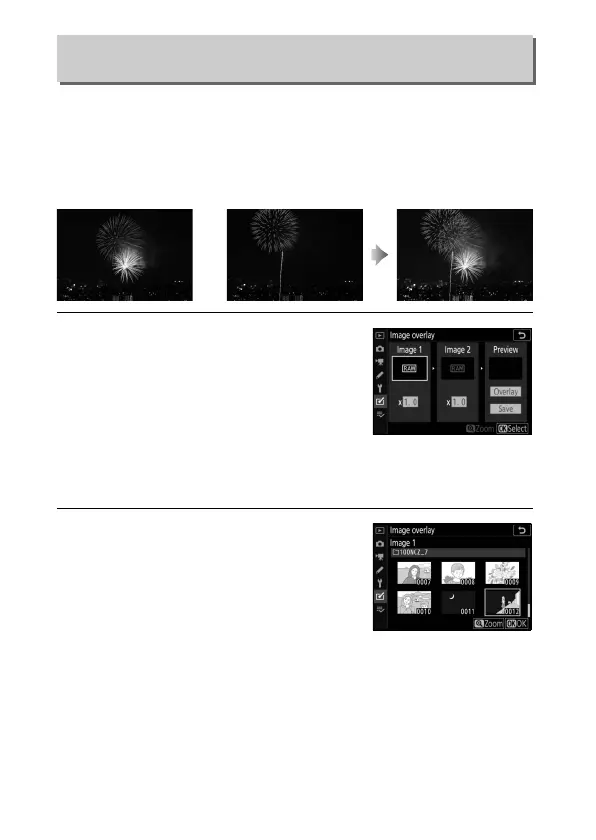
Image overlay combines two existing NEF (RAW) photographs to
create a single picture that is saved separately from the originals;
the results, which make use of RAW data from the camera image
sensor, are noticeably better than photographs combined in an
imaging application.
1 Select Image overlay.
Highlight Image overlay in the
retouch menu and press 2. Image
overlay options will be displayed,
with Image 1 highlighted; press J to
display a picture selection dialog
listing only large NEF (RAW) images created with this camera
(small and medium NEF/RAW images cannot be selected).
2 Select the first image.
Use the multi selector to highlight the
first photograph in the overlay. To
view the highlighted photograph full
frame, press and hold the X button.
Press J to select the highlighted
photograph and return to the preview display.
Image Overlay
G button ➜ N (retouch menu)
+



 To Next Page