168 Menu Guide > C The Photo Shooting Menu
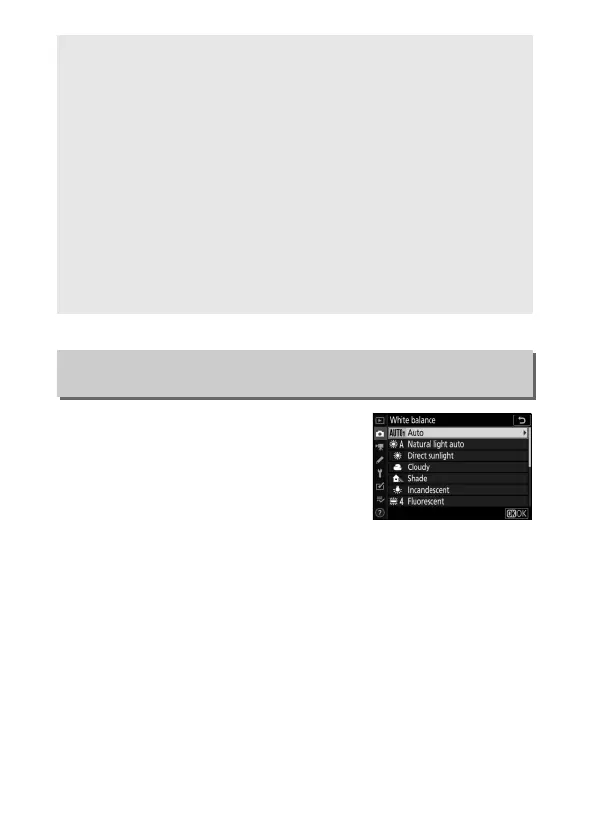
Adjust white balance. For more
information, see the “White Balance”
sections in “Basic Settings” (0 61) and
“The i Button” (0 96).
A “Minimum Shutter Speed” > “Auto”
If Auto is selected for Auto ISO sensitivity control > Minimum
shutter speed, the camera will choose the minimum shutter speed
based on the focal length of the lens. For example, the camera will
automatically select fast minimum shutter speeds to reduce the blur
that commonly occurs with telephoto lenses.
Auto shutter-speed selection can be fine-tuned for faster or slower
minimum values by highlighting Auto and pressing 2; choosing fast
minimum shutter speeds when photographing fast-moving objects
reduces blur.
Shutter speeds may drop below the selected minimum if optimum
exposure cannot be achieved at the ISO sensitivity chosen for
Maximum sensitivity.
White Balance
G button ➜ C (photo shooting menu)



 To Next Page