5Getting to Know the Camera
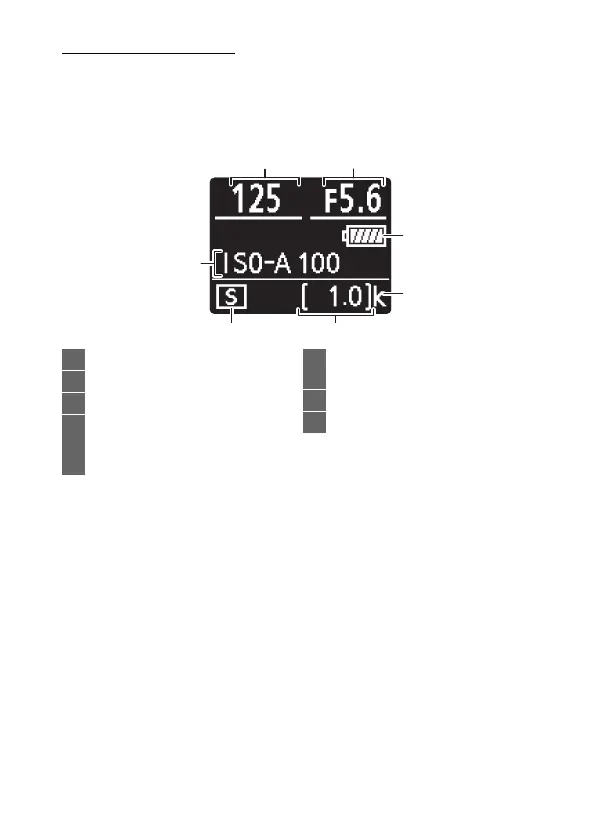
The Control Panel
The control panel lights when the camera is on. At default
settings, the following indicators are displayed; for a full list of
the indicators that appear in the control panel, see “The Control
Panel” (0 405).
12
7
65
3
4
1 Shutter speed ..........................69, 70
2 Aperture.......................................... 70
3 Battery indicator ........................... 34
4 “k” (appears when memory
remains for over 1000
exposures) .................................... 34
5 Number of exposures
remaining ............................ 34, 461
6 Release mode ................................ 81
7 ISO sensitivity ................................ 77



 To Next Page