348 On-Camera Flash Photography
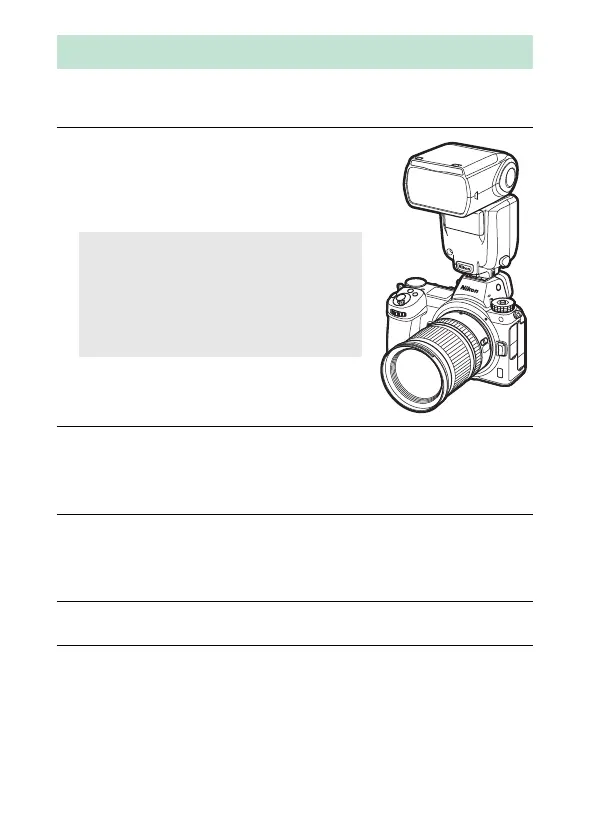
Follow the steps below to mount an optional flash unit on the
camera and take photographs using the flash.
1 Mount the unit on the accessory
shoe.
See the manual provided with the unit
for details.
2 Turn on the camera and flash unit.
The flash will begin charging; the flash-ready indicator (c) will
be displayed when charging is complete.
3 Adjust flash settings.
Choose the flash control mode (0 350) and flash mode
(0 352).
4 Adjust shutter speed and aperture.
5 Take pictures.
Using an On-Camera Flash
D Use Only Nikon Flash Accessories
Use only Nikon flash units. Negative
voltages or voltages over 250 V applied
to the accessory shoe could not only
prevent normal operation, but damage
the sync circuitry of the camera or flash.



 To Next Page