278 Menu Guide > A Custom Settings
• Playback mode: Choose from the options below. Regardless of
the option selected, pressing J when a movie is displayed full
frame starts movie playback.
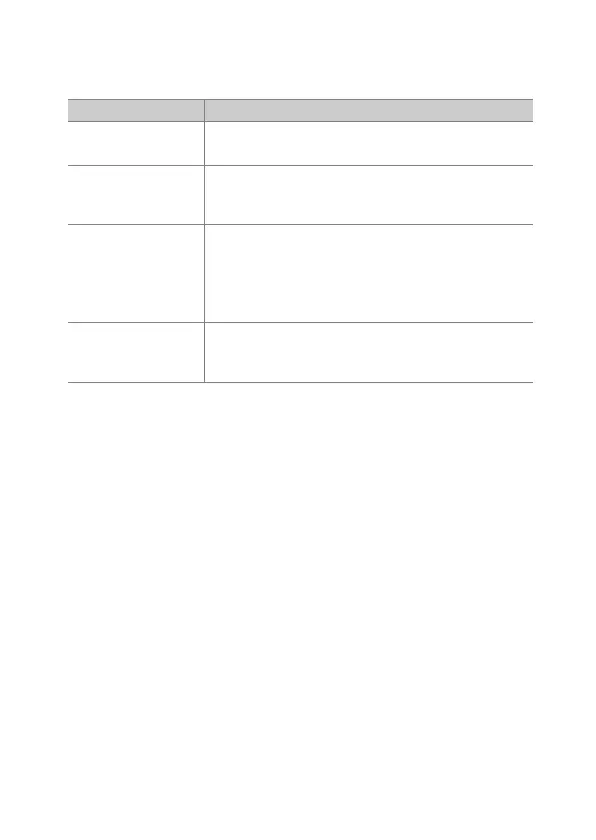
Option Description
n
Thumbnail on/
off
Toggle between full-frame and thumbnail
playback.
o
View
histograms
In both full-frame and thumbnail playback,
a histogram is displayed while the J button is
pressed.
p
Zoom on/off
Toggle between full-frame or thumbnail
playback and playback zoom (to choose the
zoom ratio, highlight Zoom on/off and press 2).
The zoom display is centered on the active focus
point.
u
Choose folder
A folder-selection dialog will be displayed;
highlight a folder and press J to view the
pictures in the selected folder.



 To Next Page