9Getting to Know the Camera
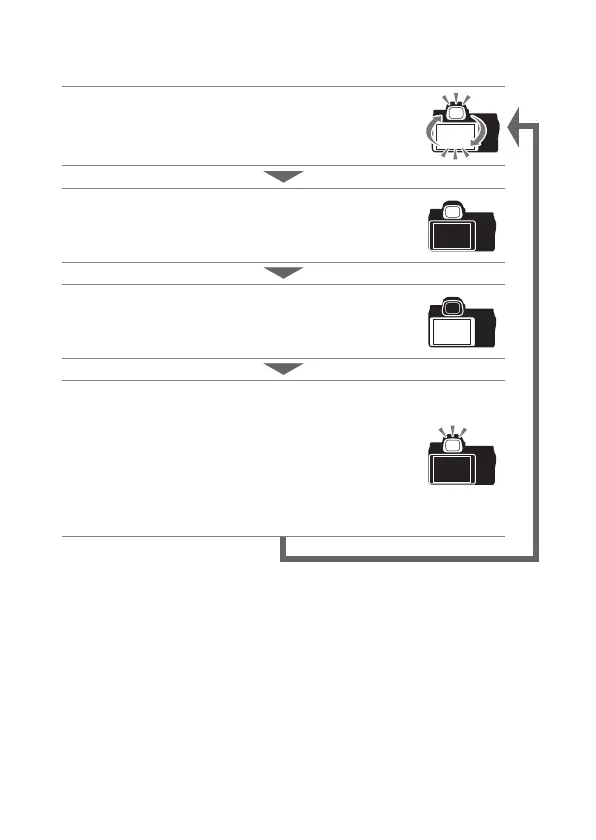
Press the monitor mode button to cycle through the displays as
follows.
Automatic display switch: The display switches from the
monitor to the viewfinder when you place your eye
to the viewfinder, and from the viewfinder to the
monitor when you take your eye away.
Viewfinder only: The viewfinder is used for shooting,
menus, and playback; the monitor remains blank.
Monitor only: The monitor is used for shooting, menus,
and playback; the viewfinder display will remain
blank even if you put your eye to the viewfinder.
Prioritize viewfinder: The camera functions in a manner
similar to existing digital SLR cameras. Placing your
eye to the viewfinder turns the viewfinder on and
taking your eye away turns the viewfinder off. In
photo mode, the monitor remains blank, while in
movie mode, during playback, or while menus are
displayed, the monitor will turn on when you take
your eye away from the viewfinder.



 To Next Page