316 Menu Guide > N The Retouch Menu
3 Select photographs.
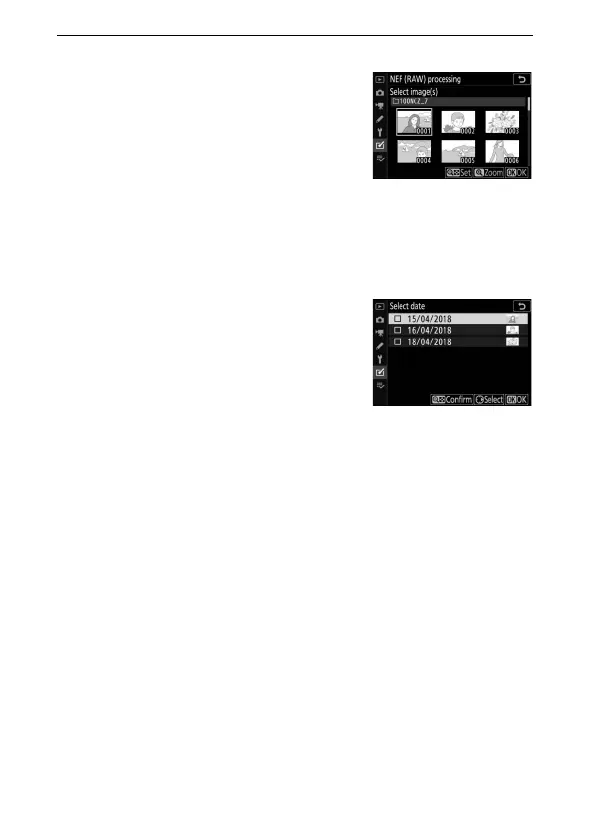
If you chose Select image(s) in Step
2, a picture selection dialog will be
displayed listing only NEF (RAW)
images created with this camera.
Highlight images using the multi
selector and press the W (Q) button
to select or deselect; selected images are indicated by a L
icon. To view the highlighted image full screen, press and
hold the X button. Press J to proceed to Step 4 when your
selection is complete.
If you chose Select date in Step 2, a
list of dates will be displayed.
Highlight dates using the multi
selector and press 2 to select or
deselect. Press J to select all NEF
(RAW) pictures taken on the chosen
dates and proceed to Step 4.



 To Next Page