Page 13/55 68_Afficheur_Multidisplay_um_UK_11
• Press again
and modify the value « light level » with . Then press
to save the parameter.
2.5.4 Skin Settings
• In « parameters » choose « Display Setting » and press .
• Choose « Day adjustment » or « Night adjustment » and press .
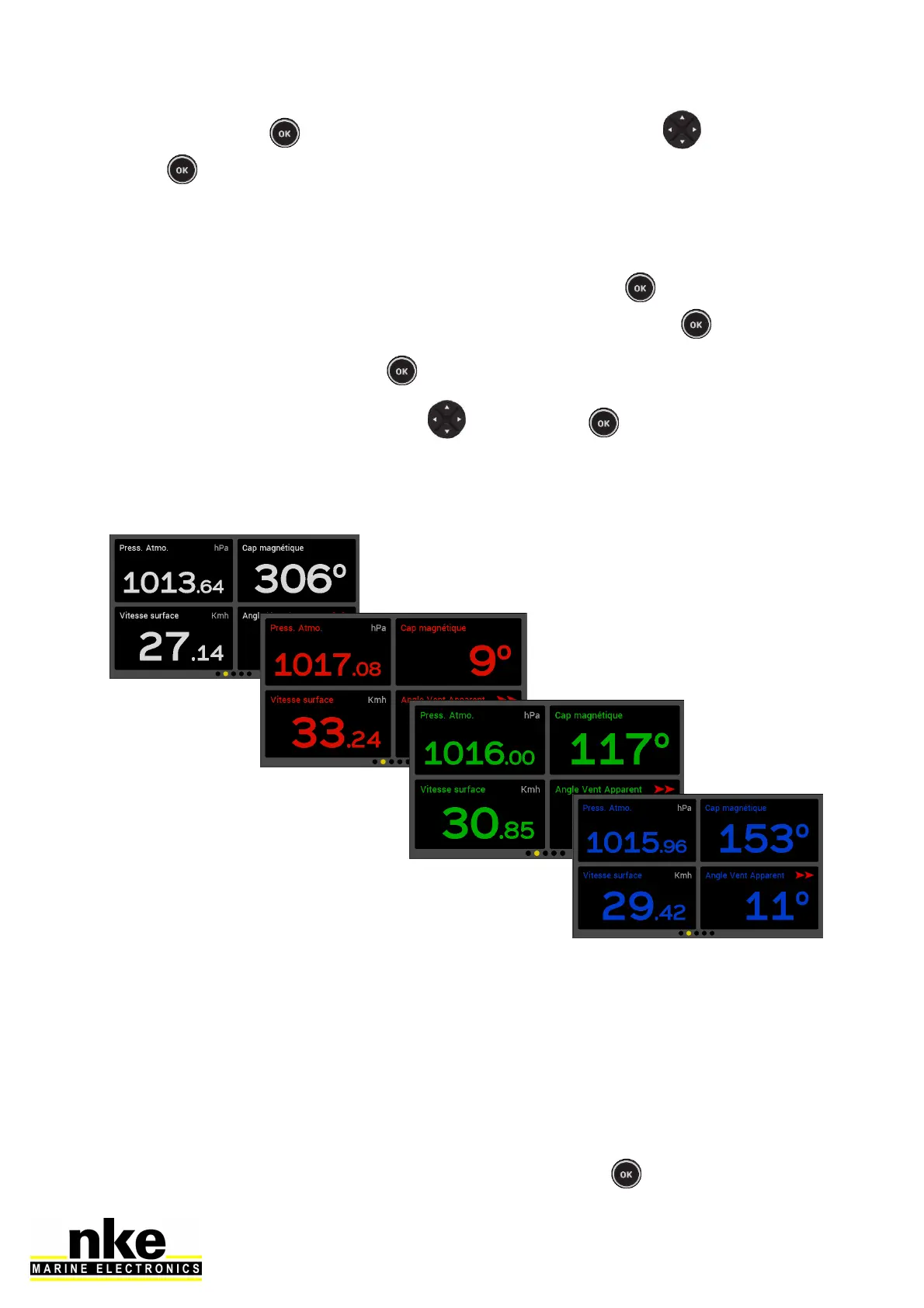
• Select « Skins » and press
• Select the skin desired with the key and press to save the parameter.
You can choose between 5 Skins for Day and Night modes. The default Skins are
white for Day and black/red for night.
Some skins are more appropriate than others, depending on the reading angle.
2.5.5 Display’s Standby timing
A time can be set up to 30 minutes. When the selected time is reached the display
will be put in a “sleep mode” for power saving. The Multigraphic will keep working
and the screen can be resumed with the simple press of any key or selecting the
display on a remote control.
Setting the Display’s Standby timing:
• In « parameters » select « Display setting » and press
.



 To Next Page