Page 22/55 68_Afficheur_Multidisplay_um_UK_11
While swinging the fluxgate, or Regatta compass, you can display the Course Over
Ground in a window to show the progress of the manoeuvre. In the case of the
Regatta compass without COG data on the bus the progression will not be displayed
and you will need to follow the procedure from the bowl compass at the helm.
Once the auto-adjustment has been completed a message will be displayed telling
you that the operation was successful or not.
2.6.7 Compass deviation table
Can be used solely for the fluxgate compass
This method can be used to set up the fluxgate compass
when it is not easy to complete the automatic compensation.
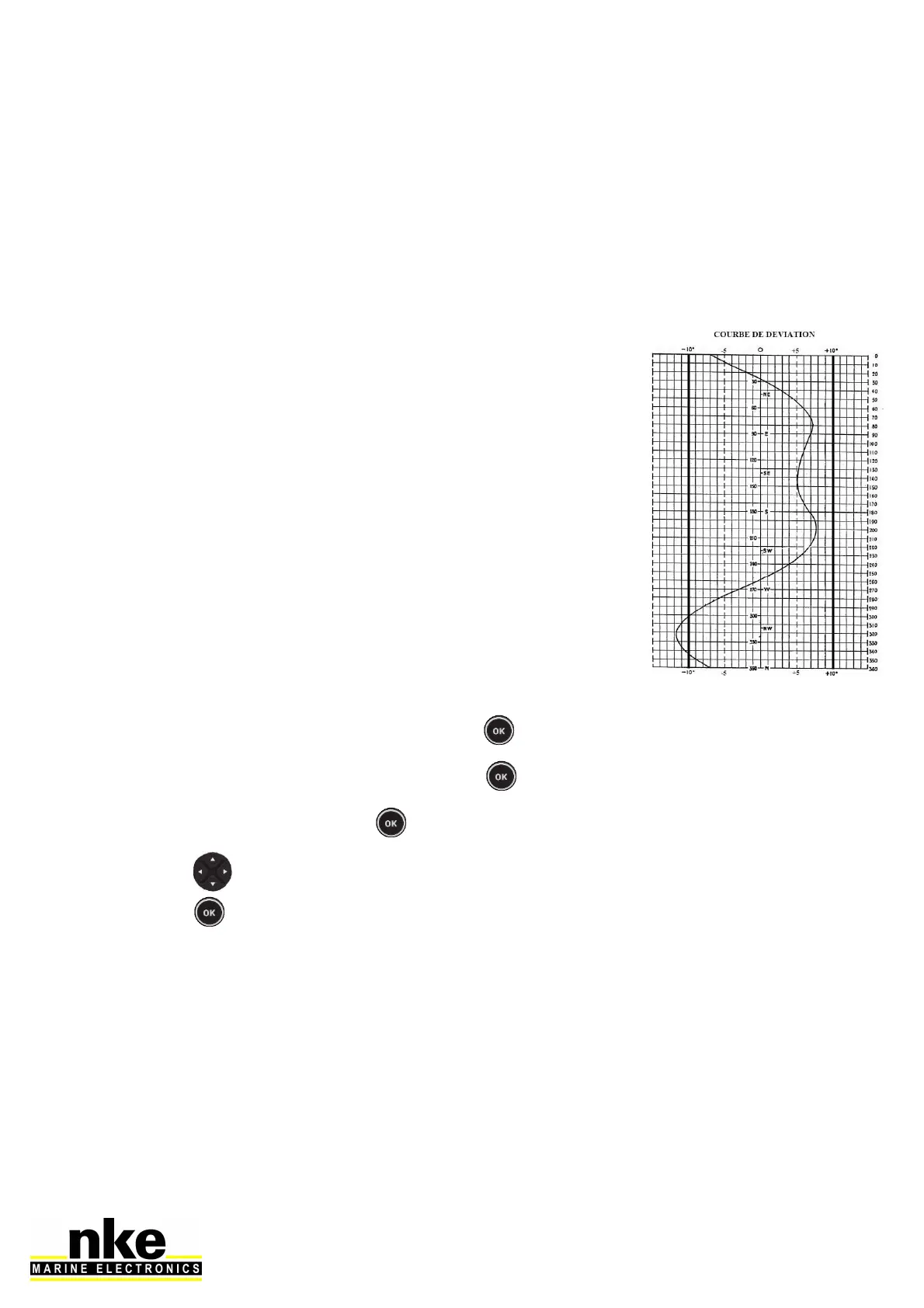
The deviation curve needs to be set at points every 30°. Each
point can be determined using leading lines, or by comparing
headings against a calibrated compass with the results being
used to fill the correction table with the measured values.
How to fill the correction table :
• Select « Magnetic heading » and press .
• Choose « Correction Table » and press .
• Select « Start » and press .
• Use key to set up different offsets depending on the headings and confirm
with .
When this table is completed your compass is corrected for the deviation curve.
2.6.8 Compass adjustement wizard
This method can only be used with the fluxgate compass
It consists of sailing the boat on the nke compass heading (+/-5°), comparing this
heading with the magnetic heading over the ground and noting the value every 30° to
determine the values for the correction table.



 To Next Page