UDO LP400 User Guide
_____________________________________________________________________________________________________
LP400 User Guide (11/07)
16
The Picture tool allows graphics to be placed on labels. It can be used to add pictures
of products, company logos, etc.
The Rectangle tool allows you to design and position a rectangle or square. The
upper left corner of the box is set by clicking the desired position; the size of the box is
set by dragging the box to the required size while holding down the mouse button.
The Line icon allows you to add a horizontal or vertical line to a label. A line can be
drawn by clicking at the desired starting point and dragging the line to its ending point
then releasing the mouse button.
The Ellipse icon allows to draw ellipses and circles on the label.
Inverse icon creates a rectangle that produces the inverse image of all elements that
are overlapped by it.
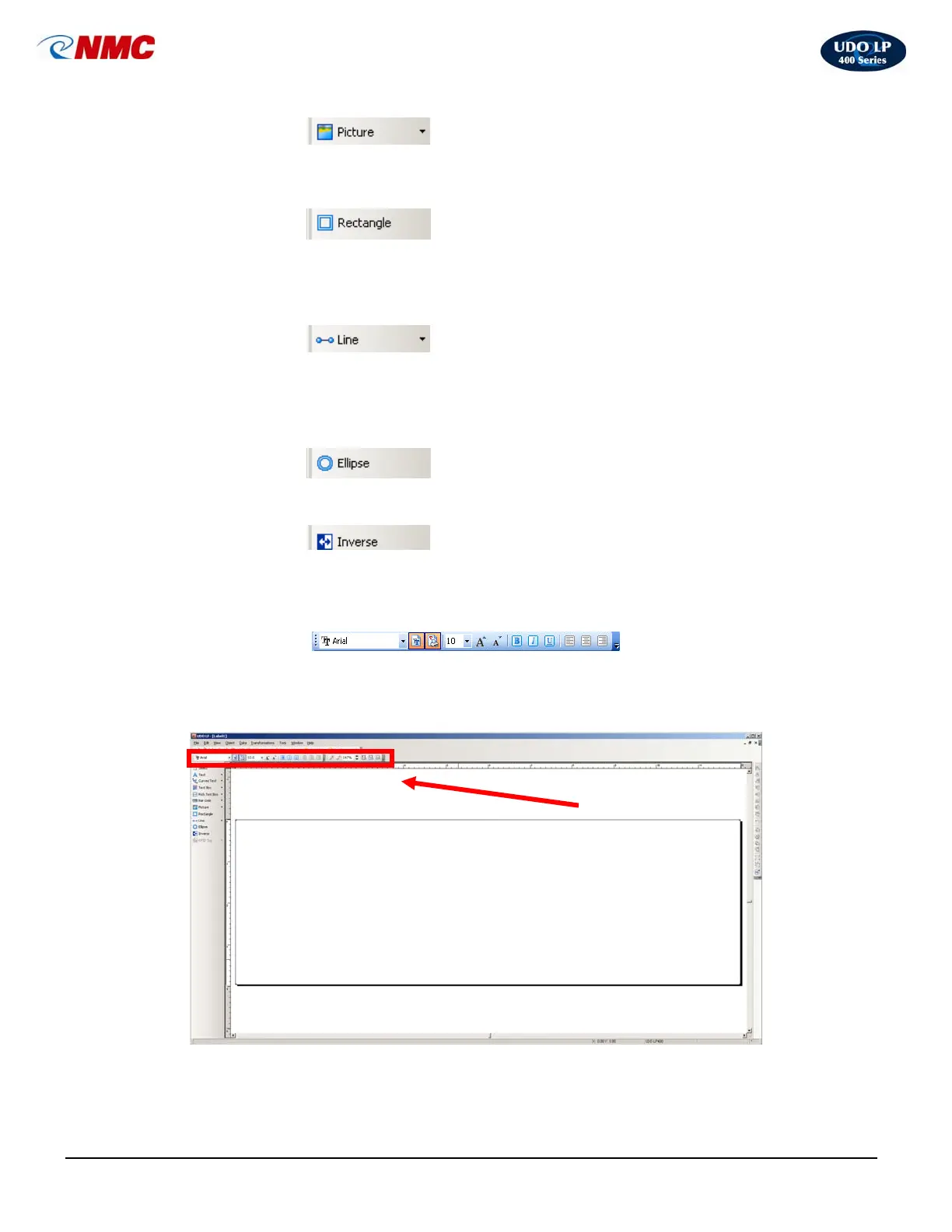
B. The Text Toolbar
Use the text toolbar to quickly format the text objects on the label.
Select the text object by clicking it. Click the appropriate shortcut button in the text
toolbar.
• Picture
• Rectangle
• Line
• Ellipse
• Inverse
Text Toolbar



 To Next Page