RH-75 Company Confidential
Service Software Instructions Nokia Customer Care
Page 16 2005 Nokia Corporation. Issue 2 06/2005
Repair
If you experience any problems with service software or suspect that files have been lost,
you can use the repair – function before completely reinstalling Phoenix. Note that the
original installation package (e.g. phoenix_service_sw_a10_2003_33_5_22.exe ) must
be found on your PC when you run the repair setup.
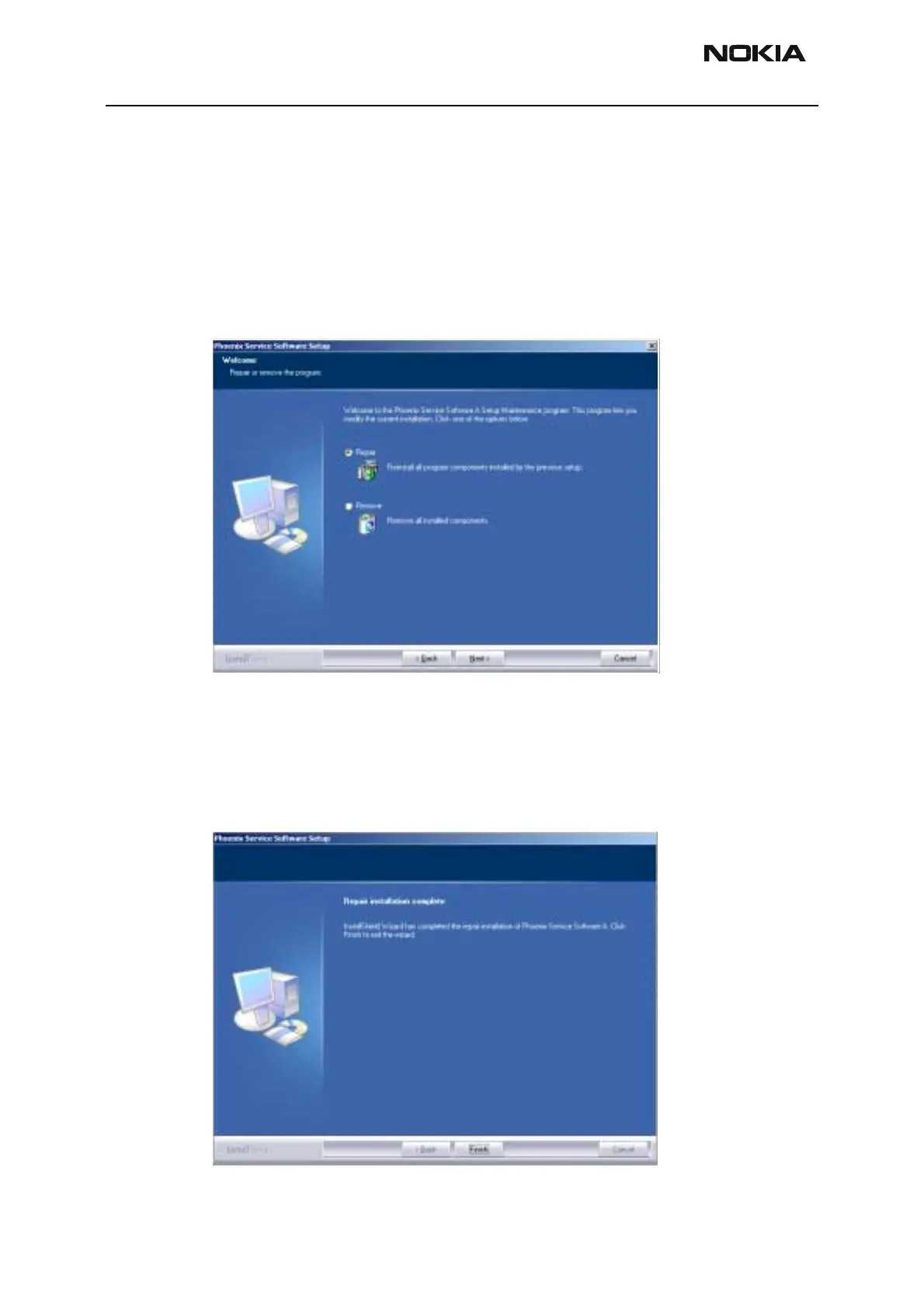
Run Windows Control Panel - Add / Remove Programs, choose “Phoenix Service Soft-
ware” and click "Add/Remove". In the following view choose “Repair”.
Phoenix will reinstall components and register them, procedure is the same as in update
installation.
Choose “Finish” to complete.



 To Next Page