RH-75 Company Confidential
Service Software Instructions Nokia Customer Care
Page 28 2005 Nokia Corporation. Issue 2 06/2005
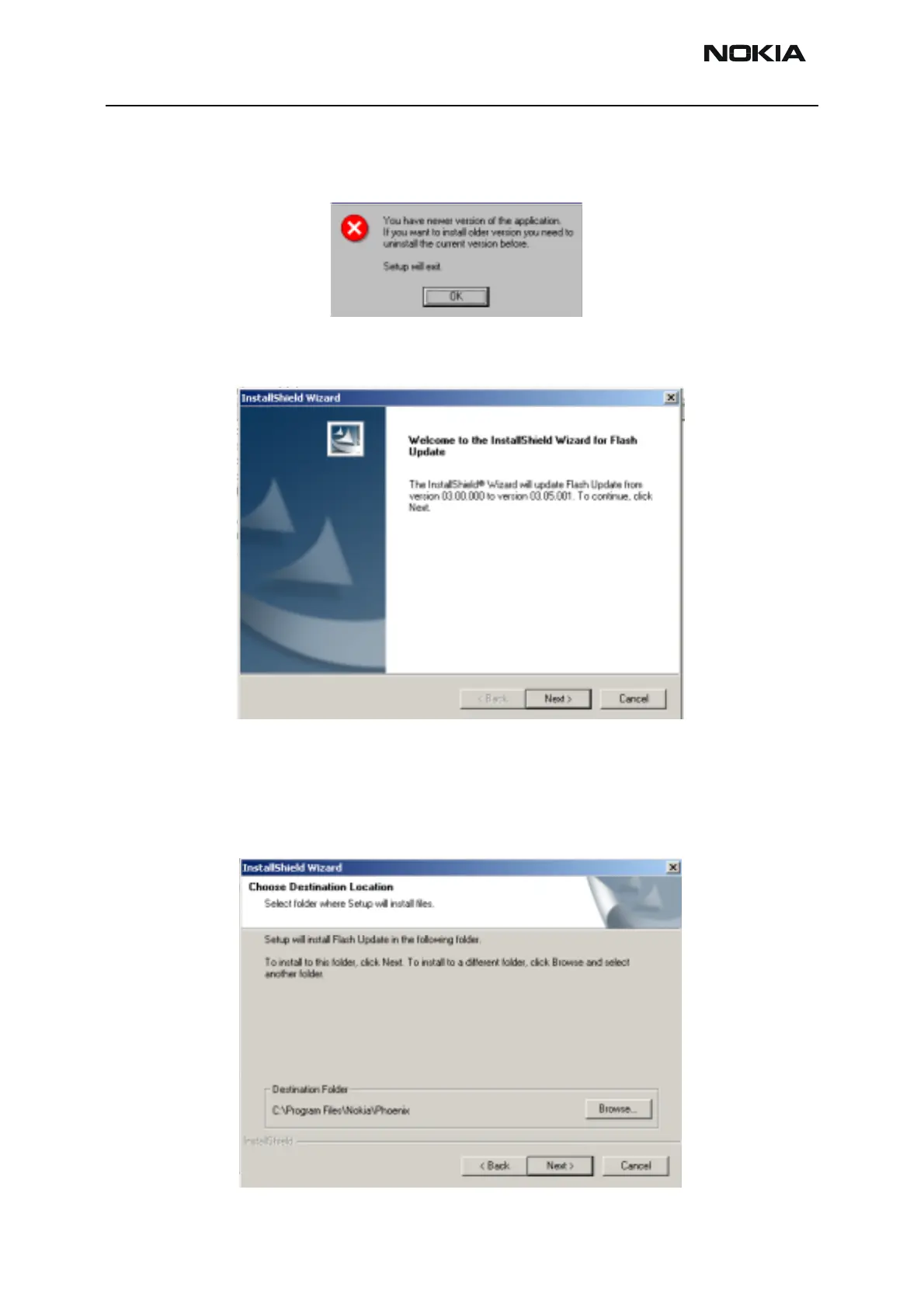
If you try to downgrade the existing version to older ones, the setup will be aborted. If
you really want to downgrade, uninstall newer files manually from Control Panel and
then re run the installation again.
If an older version exists on your PC and it needs to be updated, Choose “Next” to con-
tinue installation.
It is highly recommended to install the files to the default destination folder
C:\Pro-
gram Files\Nokia\Phoenix
.
Choose “Next” to continue. You may choose another location by selecting “Browse” (not
recommended).



 To Next Page