EasyManua.ls Logo

NORBIT iWBMS - User Manual

Default Icon
142 pages
Print Icon
To Next Page IconTo Next Page
Loading...
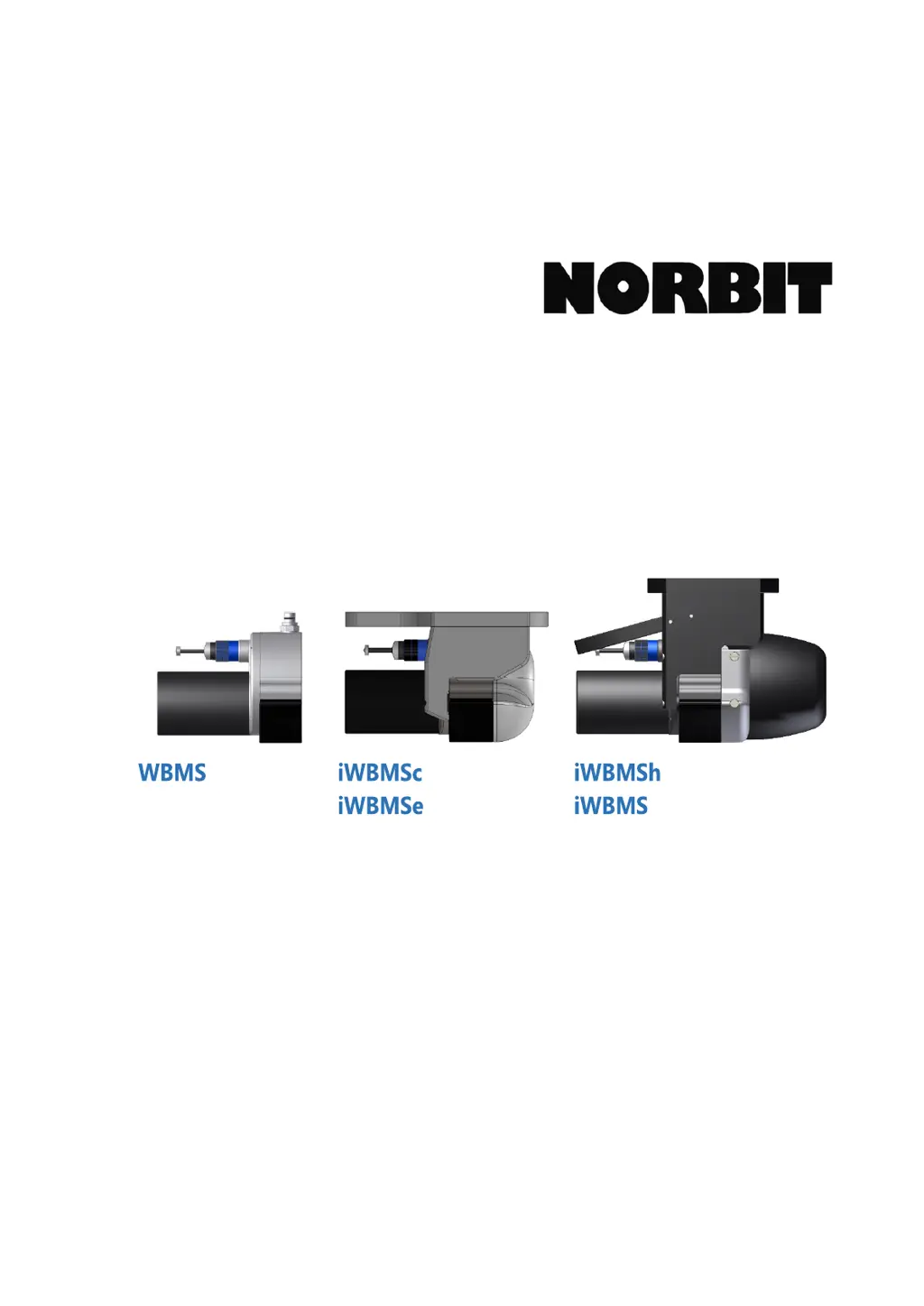
User and Technical Manual
NORBIT GUI 10.4.3
TN-140075-9 WBMS Bathy Manual
April 2020

Questions and Answers

  • H
    Heather NewtonAug 27, 2025
    How to fix NORBIT Industrial Equipment when there is no timing in the sonar or GUI timing line is red?
    • J
      Jessica MirandaAug 27, 2025
      If there is no timing in the NORBIT Industrial Equipment sonar or the GUI timing line is red: * Check the pins on the cable and SIU. If a pin is bent, VERY gently bend it back. *This may result in damage, so do so at own liability* * Go to INS Tools > Sky Plot and check that satellites are detected on both GNSS antennas. * Check that the PPS LED on the SIU is blinking at 1Hz. * If satellites are detected but the LED is not blinking at 1Hz, open POSView and check COM4 output to verify that it is configured to output NMEA ZDA at 1Hz, 9600 baud.
  • D
    Denise RodriguezAug 25, 2025
    What to do if NORBIT Industrial Equipment sonar does not power up, or power is lost during operation?
    • R
      Robert HigginsAug 26, 2025
      If your NORBIT Industrial Equipment sonar doesn't power up or loses power during operation: * Check the power supply voltage with a voltmeter. * Depending on the power source, check the battery/inverter for failure and replace it. * If the power is 28V, the power LED on the SIU will blink at 5Hz. Test the system using an alternative power source, such as power from a wall outlet or a fully charged battery.
  • M
    Michael SloanAug 23, 2025
    Why NORBIT iWBMS cannot connect to the sonar?
    • M
      Mary JacksonAug 25, 2025
      If you're unable to connect to the NORBIT Industrial Equipment sonar, here are a few things to check: * Verify the SIU is powered on. * Ensure cable connections are free from corrosion, properly secured, and that pins are not bent. * Check for IP address conflicts. The network card on the PC should be configured to 192.168.53.XXX where XXX is neither 100 (INS) nor the sonar serial number. * If using a network switch, bypass it and connect directly to the computer to check for faults with the switch. * Reboot the PC, wait 30 seconds, then power-cycle the system. * Open Windows Command Prompt and type `ping 192.168.53.XX` (XX being the last 2 digits of the sonar serial number) to see if the sonar is detectable by the acquisition PC. * Ground SIU.

Summary

Introduction to NORBIT WBMS Systems

System Specifications

Details the technical specifications and performance parameters of the WBMS systems.

Maintenance Schedule

Details periodic inspections and maintenance checks for the sonar system components.

Hardware Installation for NORBIT WBMS

Power Requirements

Details the power requirements for the WBMS family of systems, emphasizing clean power sources.

Mounting Considerations

Covers installation planning, sonar mounting location, and acoustic clearance zones.

Sensor Mounting

Provides guidelines for mounting the sonar head, IMU, and GNSS antennas.

Offsets and Reference Points

Sonar Offsets and Mounting Angles

Details specific offsets and mounting angles for various WBMS configurations.

System Operation and Configuration

WBMS GUI Installation

Guides users through installing the WBMS Graphical User Interface and its PC system requirements.

Network Configuration

Explains how to configure network settings for SIU communication and IP address management.

Connect to Sonar

Outlines the steps to establish a connection between the GUI and the sonar system.

INS Tools for iWBMS, iWBMSh & iWBMS

Covers integrated Applanix INS setup, including wizards, alignment, status, and subscriptions.

Sonar Settings Menus

Details the various sonar settings available in the GUI for optimizing data collection.

Data Formats, Recording & Output

Covers raw data recording formats (WBM, S7K) and network data subscriptions.

Theory of Operation

Survey Calibrations and Checks

Patch Test

Explains how to perform patch tests to resolve sonar and navigation system misalignments.

Dual Head Configuration

Optional Enhancements

Troubleshooting Guide

Symptoms and Suggested Actions

A table of common problems and their corresponding solutions for troubleshooting.

Sonar System Diagnosis

Provides guidelines for diagnosing sonar-related technical difficulties remotely.

Applanix INS Diagnosis

Guides users through diagnosing issues with the integrated Applanix INS system.

Basic Acquisition Software Setup

Appendix A: Quick Start Guide

NORBIT iWBMS Specifications

General IconGeneral
BrandNORBIT
ModeliWBMS
CategoryIndustrial Equipment
LanguageEnglish

Related product manuals