Chapter 25 Failed function processor replacement 149
Multiservice Switch 7400 Hardware Installation, Maintenance, and Upgrade 6.1S2
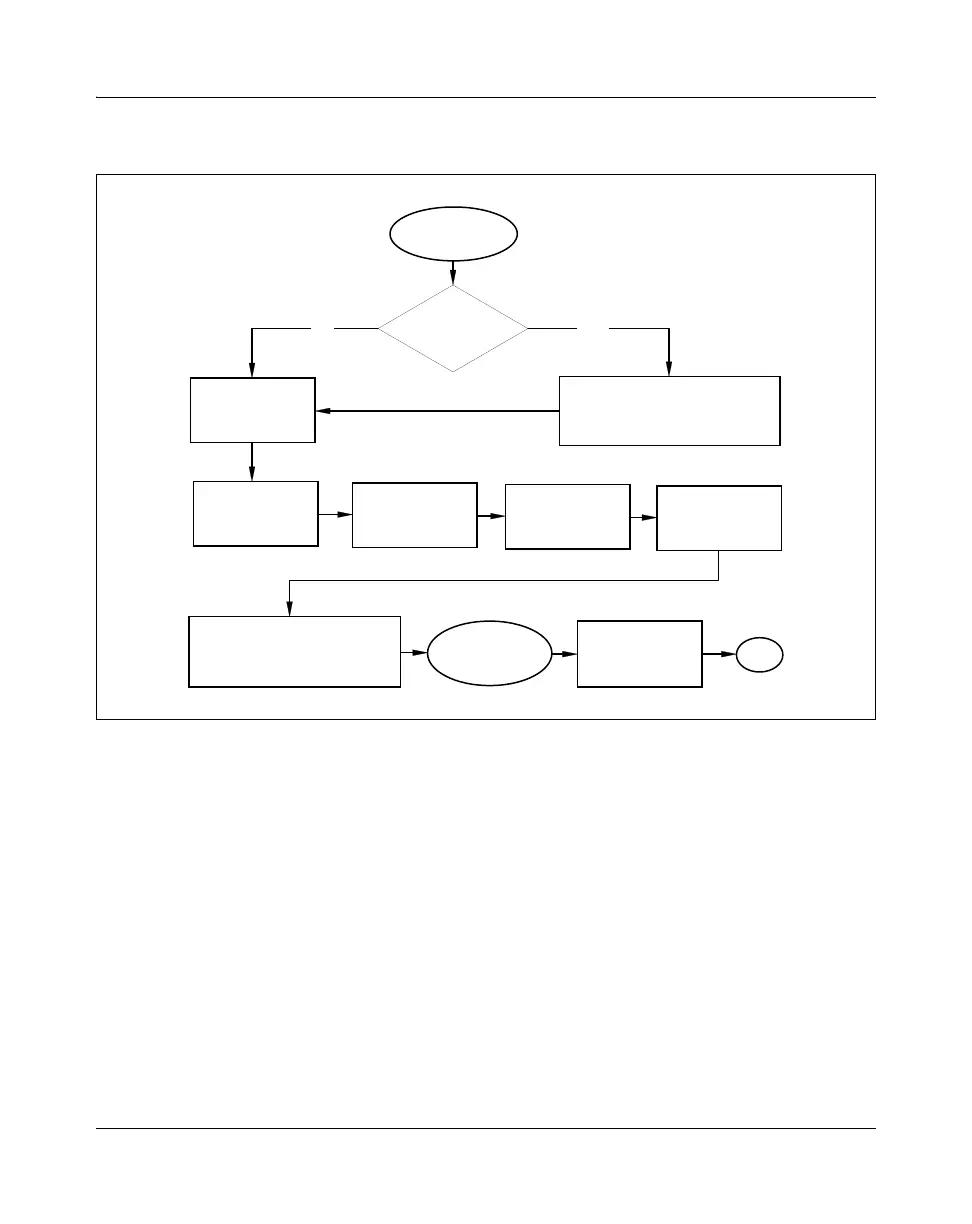
Figure 38
Failed function processor replacement task flow
Task flow navigation
The following references are listed alphabetically:
• “Activating configuration changes”. See NN10600-550 Nortel Networks
Multiservice Switch 7400/15000/20000 Common Configuration
Procedures.
• “Card testing”. See NN10600-520 Nortel Networks Multiservice Switch
7400/15000/20000 Fault and Performance Management:
Troubleshooting.
• “Configuring a new processor card”. See NN10600-550 Nortel Networks
Multiservice Switch 7400/15000/20000 Common Configuration
Procedures.
• “Installing an FP” (page 321)
YesNo
Failed FP
replacement
Switching between active and
standby processor cards
(if necessary)
FP spared?
Unlocking a
function
processor
Removing an FP
Switching between active and
standby processor cards
(if necessary)
Installing an FP
Installing FP
cables
Resetting the
alarm hardware
(if necessary)
Card testing
(optional)
Locking a function
processor
End
PP_TASK_1015
For procedure page
numbers, see
Task flow navigation
below



 To Next Page