Chapter 39 Hardware procedures 437
Multiservice Switch 7400 Hardware Installation, Maintenance, and Upgrade 6.1S2
Removing a rack-mounted alarm panel / power and alarm
panel
Remove a rack-mounted alarm panel if you need to replace a failed panel, you
do not want to use the panel any more, or you are re-deploying the panel
elsewhere.
Procedure steps
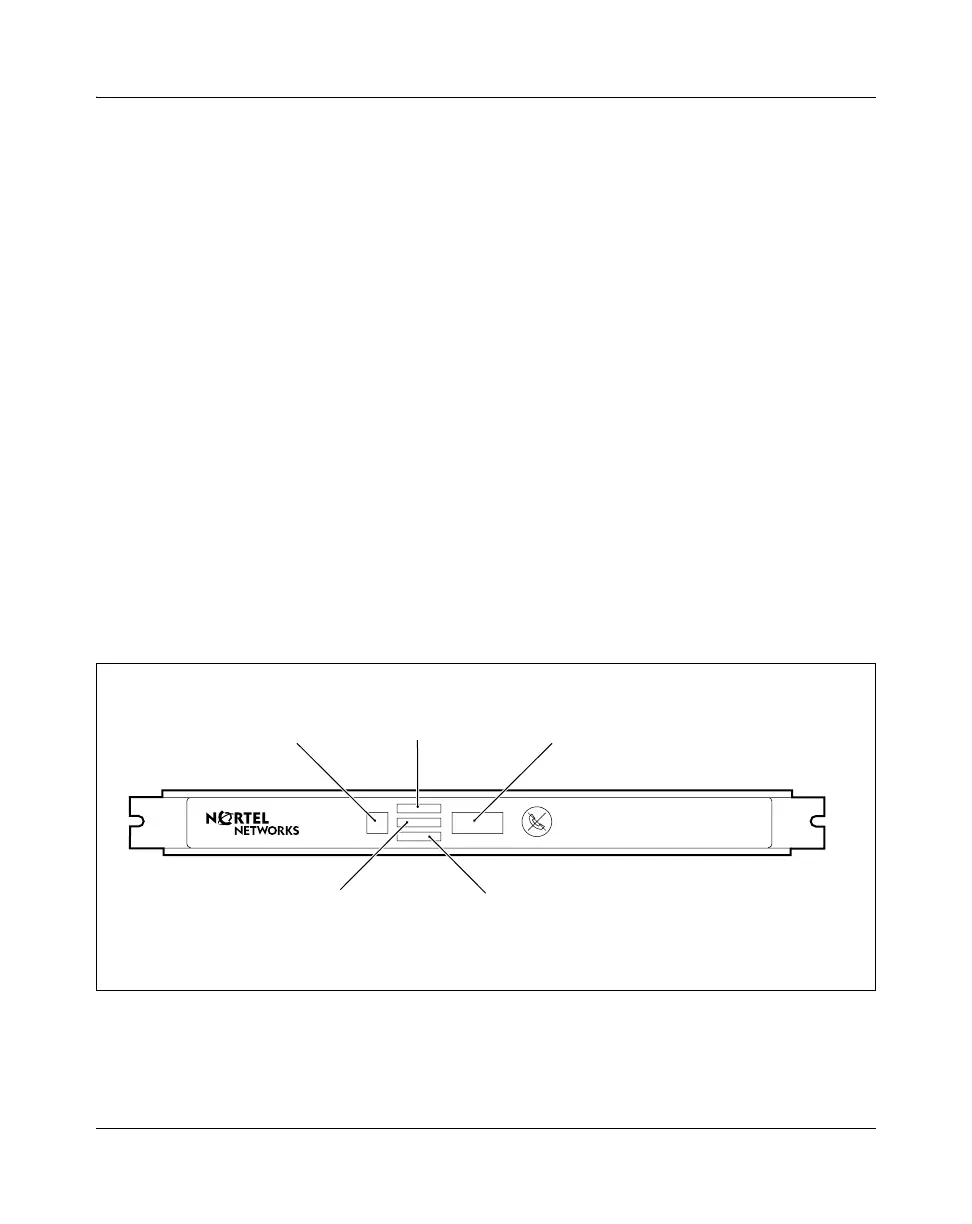
1 Disconnect the alarm panel cable from the alarm cable connector on the
alarm panel. See the figure
“Alarm panel for rack-mounted alarm panel
kits NTJS74AA and NTPS20AA” (page 437).
2 Remove the two screws that fasten the panel to the frame and remove the
panel.
3 Tape the grounding wire and the grounding strip to the termination panel.
4 Route the cable down the shelf assembly and disconnect it from the door
alarm connector on the back of the shelf. See the figure
“Dual alarm shelf
interconnection between two Multiservice Switch 7480s” (page 440).
Procedure job aid
Figure 164
Alarm panel for rack-mounted alarm panel kits NTJS74AA and NTPS20AA
MSS 2497 001 AA
Power LED
Alarm cutoff
Major alarm LED Minor alarm LED
Alarm cable
connector



 To Next Page