Chapter 39 Hardware procedures 445
Multiservice Switch 7400 Hardware Installation, Maintenance, and Upgrade 6.1S2
Removing FP cables
Remove a function processor (FP) cable to replace a faulty cable, to upgrade
the cable, or before unseating or removing an FP from the shelf.
Prerequisites
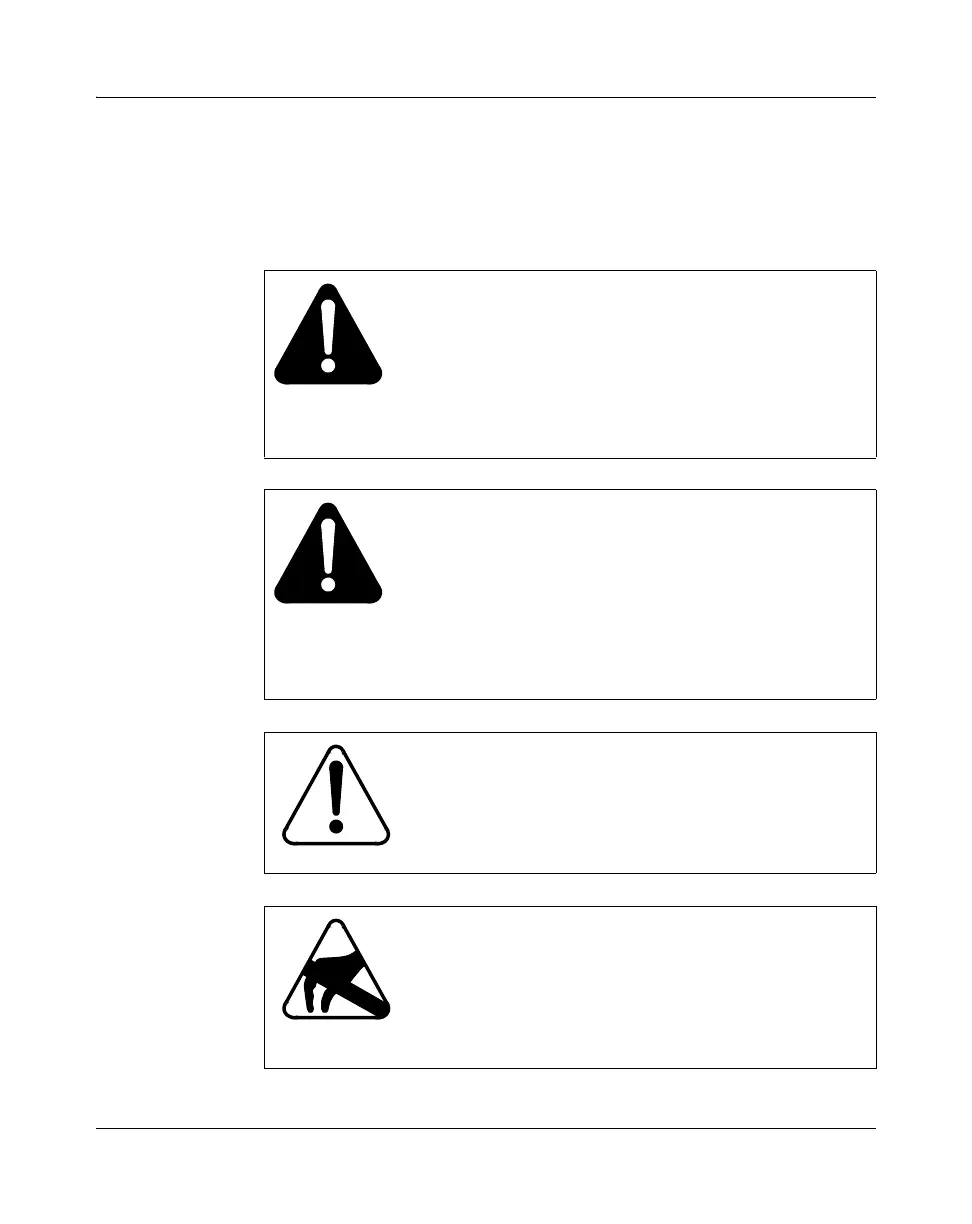
WARNING
Risk of eye injury by laser
Never look directly into the end of a fiber cable, let an end
pass in front of your eyes, or use an optical device to look
at the end of an optical fiber unless you are certain the
other end is not connected. The LASER travelling through
a fiber cable can injure the human retina.
WARNUNG
Gefahr von Augenverletzungen durch Laserstrahlen
Blicken Sie nie direkt auf das Ende eines Glasfaserkabels,
und überprüfen Sie auch einzelne Faserenden nicht mit
einem optischen Gerät, wenn Sie nicht sicher sind, daß das
andere Kabelende nicht angeschlossen ist. Der über die
Glasfasern übertragene Laser kann die menschliche
Netzhaut verletzen.
CAUTION
Risk of service loss
Ensure that the cable being removed is not carrying
traffic before you remove it.
CAUTION
Risk of damage by electrostatic discharge (ESD)
When you contact processor cards, wear a grounded
antistatic wrist strap or equivalent to protect electronic
parts. For more information, see
“Avoiding damage from
static electricity” (page 208).



 To Next Page