Chapter 39 Hardware procedures 321
Multiservice Switch 7400 Hardware Installation, Maintenance, and Upgrade 6.1S2
Installing an FP
Install a function processor (FP) to enable a device to provide new or
previously configured services.
Prerequisites
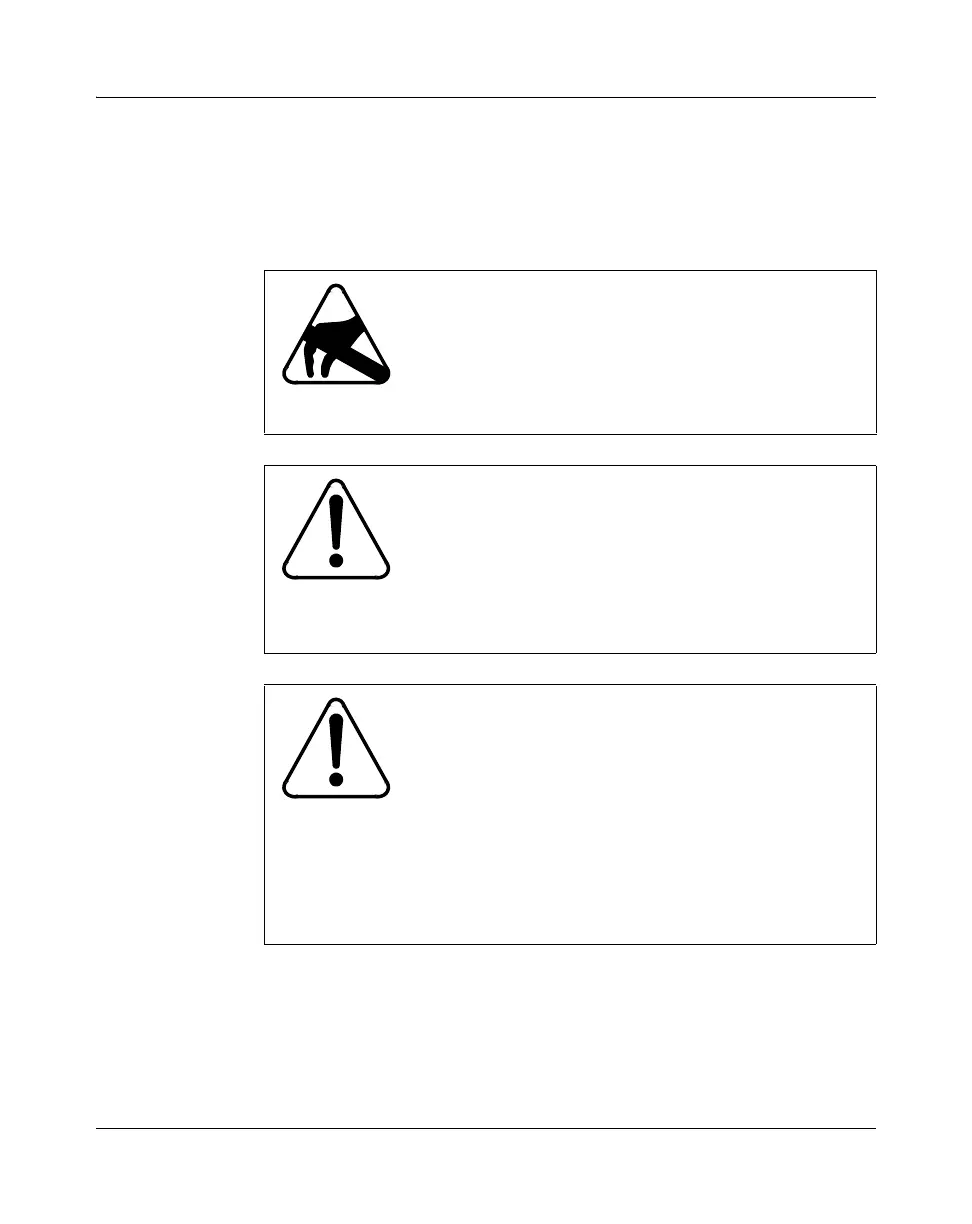
CAUTION
Risk of damage by electrostatic discharge (ESD)
When you handle processor cards, wear a grounded
antistatic wrist strap or equivalent to protect electronic
parts. For more information, see
“Avoiding damage from
static electricity” (page 208).
CAUTION
Risk of service loss by signal noise
Inserting or removing a processor card from a shelf can
cause noise on the backplane that causes loss of service.
Therefore, minimize the time you take to insert or
remove a processor card. Do not let a processor card sit
in the shelf with a partial connection to the backplane.
CAUTION
Risk of service loss by inadequate power
Two power supplies must be installed before inserting a
32-port MSA 2-slot FP with the PEC NTNQ69AA,
NTNQ71AA, NTNQ73AA, NTNQ74AA, NTNQ76AA,
or NTNQ78AA. There is a risk of a shelf reset when
installing one of these FPs in a shelf with only one
operating power supply unit. This risk does not apply
when the FPs are already installed and one of two power
supplies fails.



 To Next Page