Chapter 39 Hardware procedures 533
Multiservice Switch 7400 Hardware Installation, Maintenance, and Upgrade 6.1S2
Unpacking a Multiservice Switch 7460
Unpack the Nortel Networks Multiservice Switch 7460 as close as possible to
the installation site.
Prerequisites
Procedure steps
1 Use a knife to open the packaging.
2 Place the control and function processor boxes (labeled with their names
and Nortel Networks part numbers) and termination panel boxes to one
side. You unpack them later.
3 Take each remaining unit of equipment from its box, and carefully remove
its protective packaging.
4 Inspect the equipment for damage. If any equipment is damaged, contact
your purchasing department and arrange to have it replaced.
5 Clear the unpacking area of all debris. Keep all the packing material and
containers in case the equipment has to be moved later.
6 Compare the contents of your shipment with the table “Equipment
checklist for unpacking a Multiservice Switch 7460” (page 534) and the
figure “Taking inventory after unpacking a Multiservice Switch 7460”
(page 535) to ensure that you have all the hardware you ordered.
If you purchased the device separately (not as part of a cabinet package),
Nortel Networks packages each unit of hardware separately.
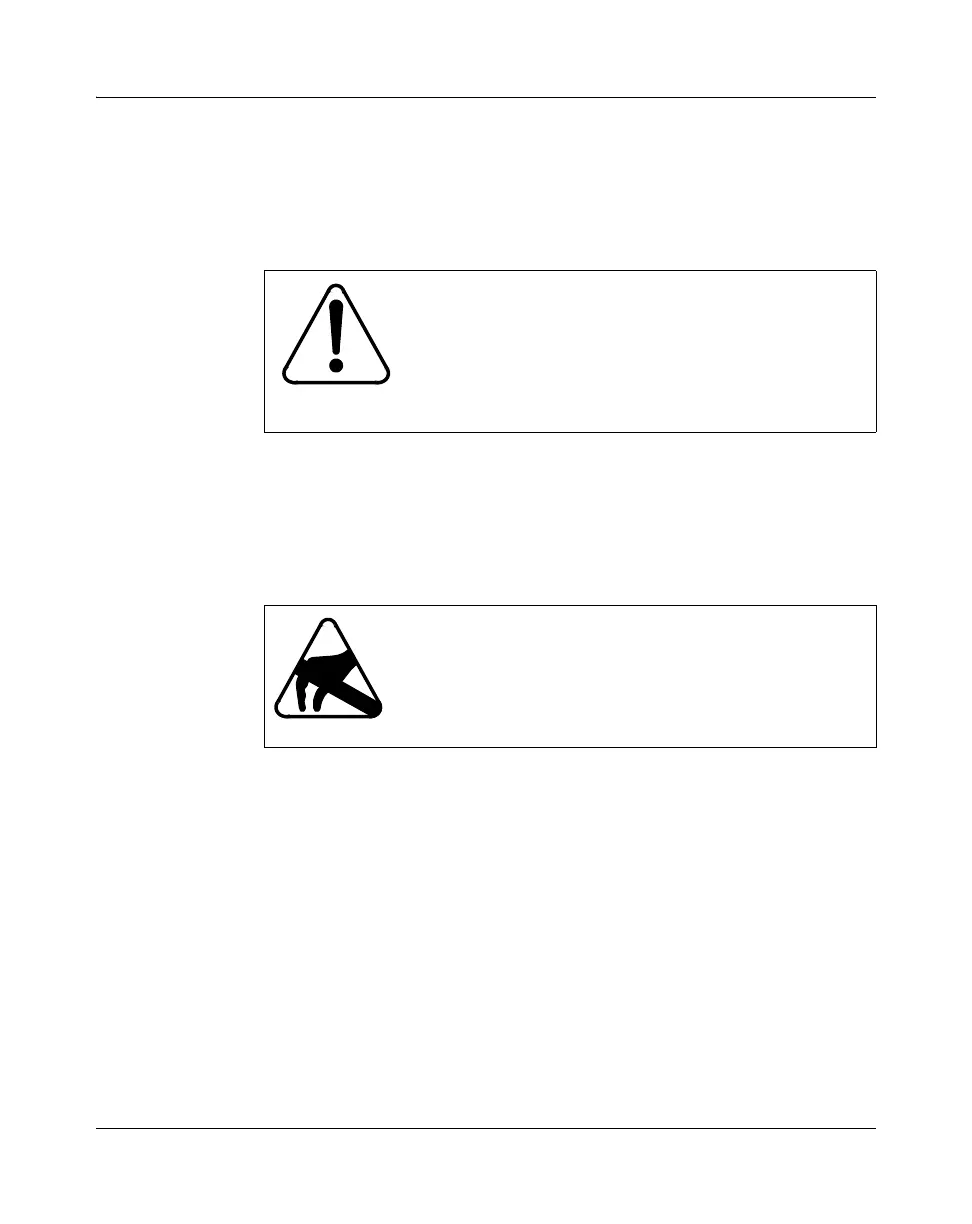
CAUTION
Avoid structural stress when maneuvering uncrated
shelf assemblies
When handling and moving uncrated shelf assemblies,
avoid strain, excessive shock or vibrations that can
damage or warp the equipment.
CAUTION
Risk of electrostatic damage
When handling circuit cards, wear a grounded antistatic
wrist strap or equivalent protection to avoid damaging
electronic parts.



 To Next Page