386 Chapter 39 Hardware procedures
NN10600-175 6.1S2
Packing a processor card
Pack a processor card after you remove it from a shelf in order to protect it
from damage.
Prerequisites
•Follow “Avoiding damage from static electricity” (page 208) to protect
the unit from damage by ESD or from transferring ESD to other
hardware.
Procedure steps
1 Attach a label to the processor card. Record the date, your name,
organization, department, telephone number, the processor card part,
serial number, and the version of software running on the processor card.
If the processor card has failed, include the failure time and, if known, the
cause of the failure.
2 Pack the processor card in its original packaging. This prevents physical
damage and accumulation of dirt and dust on contacts. Insert the
processor card into its packaging with care.
3 Label the processor card box.
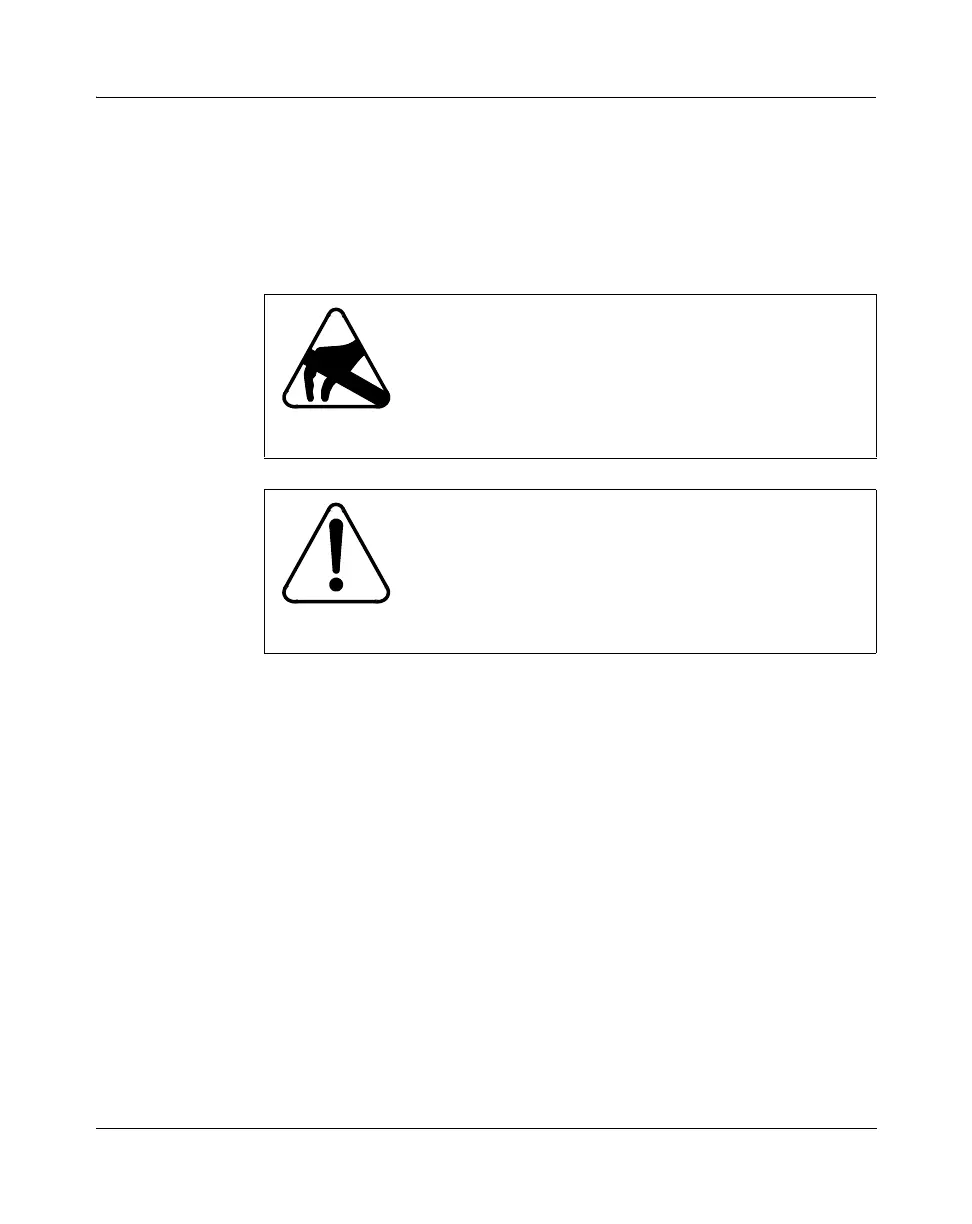
CAUTION
Risk of electrostatic damage
When handling processor cards, wear a grounded
antistatic wrist strap so that you do not damage
electronic parts. For more information, see
“Avoiding
damage from static electricity” (page 208).
CAUTION
Risk of equipment damage
Avoid physical damage and the accumulation of dirt or
dust on processor card contacts. Never store or stack
processor cards without first placing them in their
antistatic material and shipping package.



 To Next Page