Chapter 39 Hardware procedures 309
Multiservice Switch 7400 Hardware Installation, Maintenance, and Upgrade 6.1S2
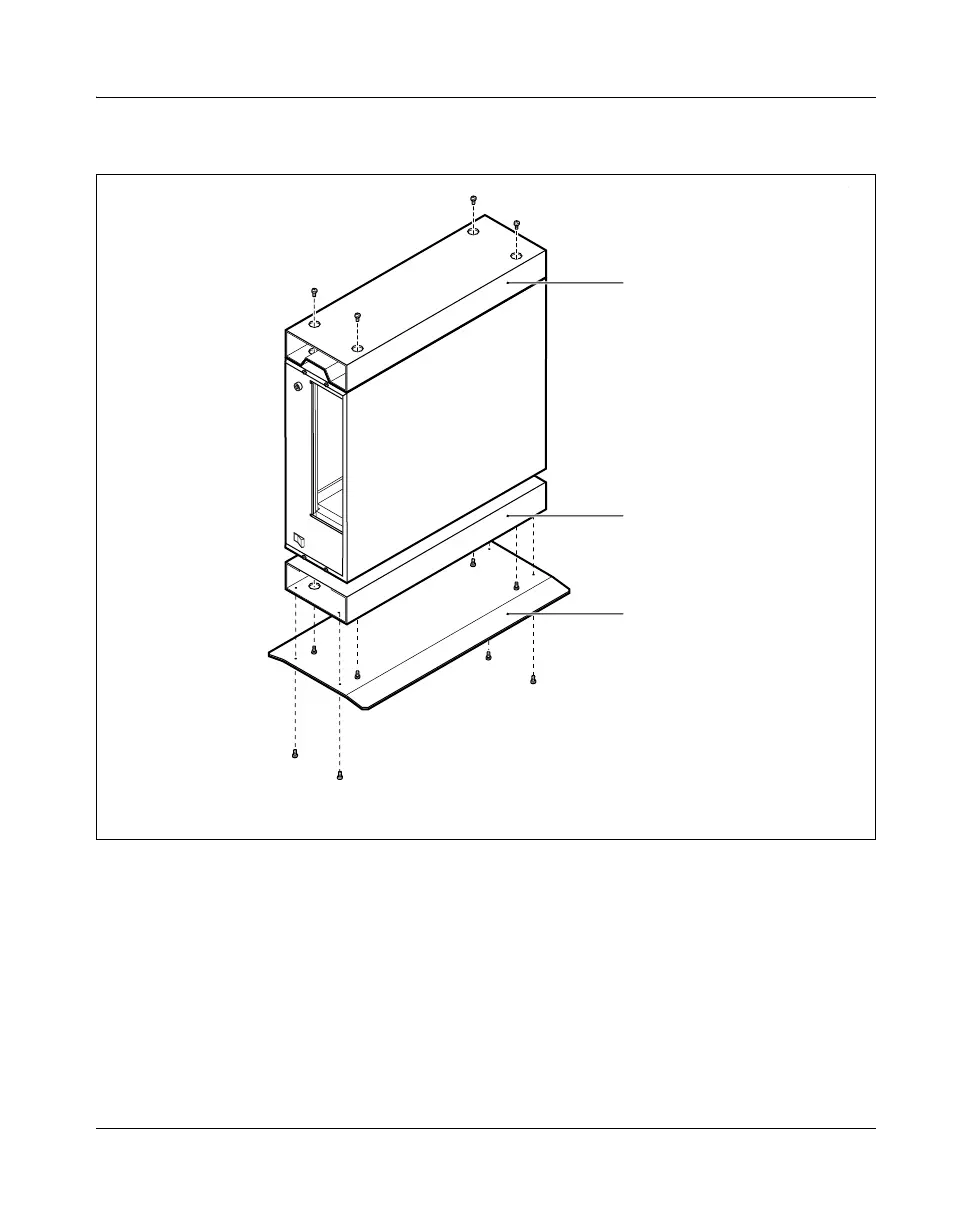
Figure 109
Attaching the plate to the shelf assembly
4 Tighten, but do not overtighten, all the screws.
5 Position the chassis according to the site plan.
6 Insert a blank processor card (NTBP23) into each slot that does not have
a processor card.
7 Ensure that there is sufficient clearance for data cables and power cable.
PPT 2030 001 AB
Cable guide
Shelf assembly
Shelf plate



 To Next Page