96 Chapter 11 Alarm hardware replacement
NN10600-175 6.1S2
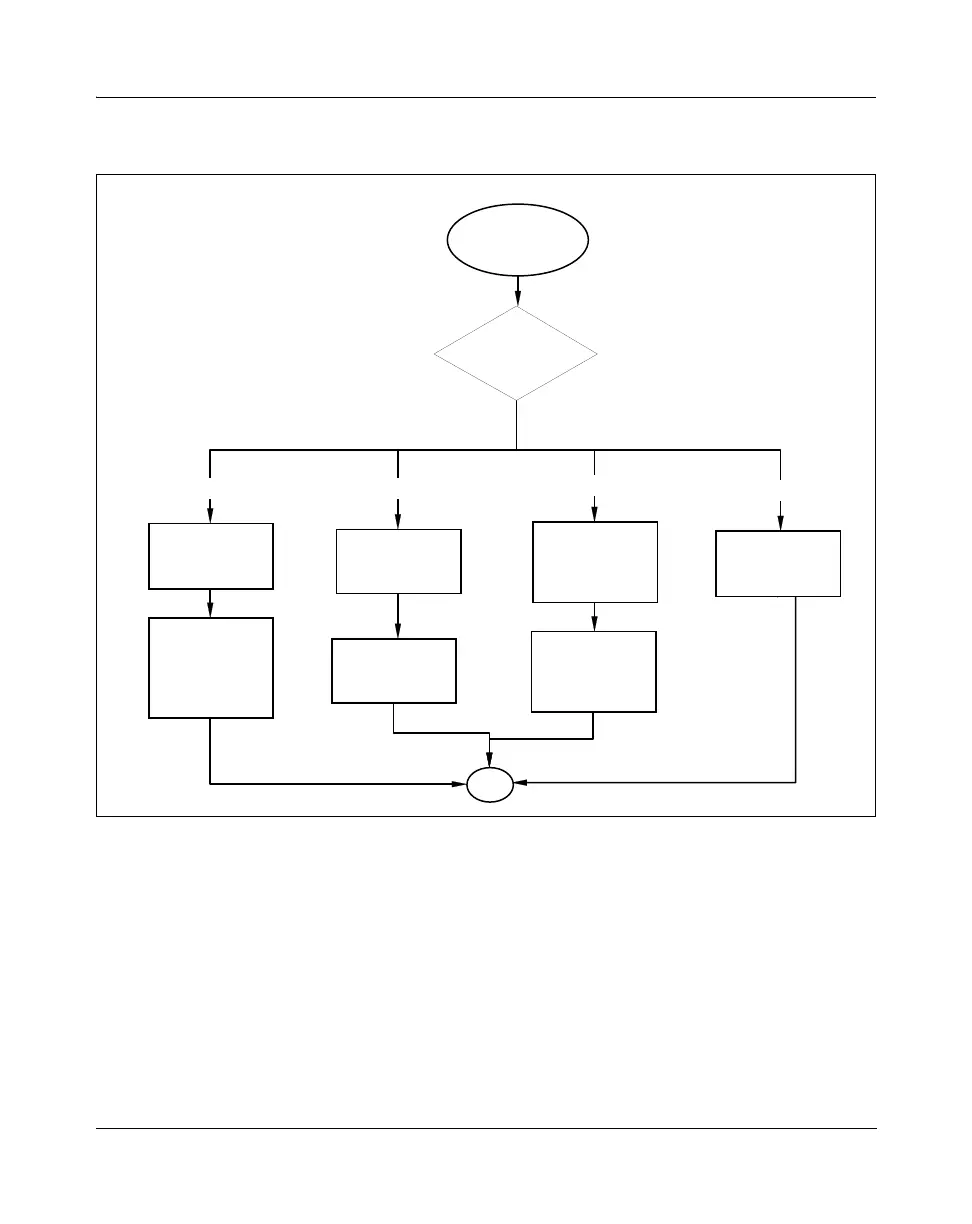
Figure 24
Alarm hardware replacement task flow
Task flow navigation
The following references are listed alphabetically:
• “Installing a cabinet door alarm cable for a Multiservice Switch”
(page 245)
• “Installing a rack-mounted alarm panel / power and alarm panel”
(page 304)
• “Installing a shelf interconnect cable” (page 307)
• “Removing a cabinet door alarm cable” (page 413)
door alarm cable shelf interconnect cable
rack-mounted alarm panel
external alarm cable
Alarm hardware
replacement
Replacing an
external alarm
cable
Removing a
cabinet door
alarm cable
Installing a
cabinet door alarm
cable for a
Multiservice
Switch
Removing a rack
mounted alarm
panel / power and
alarm panel
Installing a rack
mounted alarm
panel / power and
alarm panel
Type of alarm
hardware?
Removing a shelf
interconnect cable
Installing a shelf
interconnect cable
End
For procedure page
numbers, see
Task flow navigation
below
PP_TASK_1020



 To Next Page