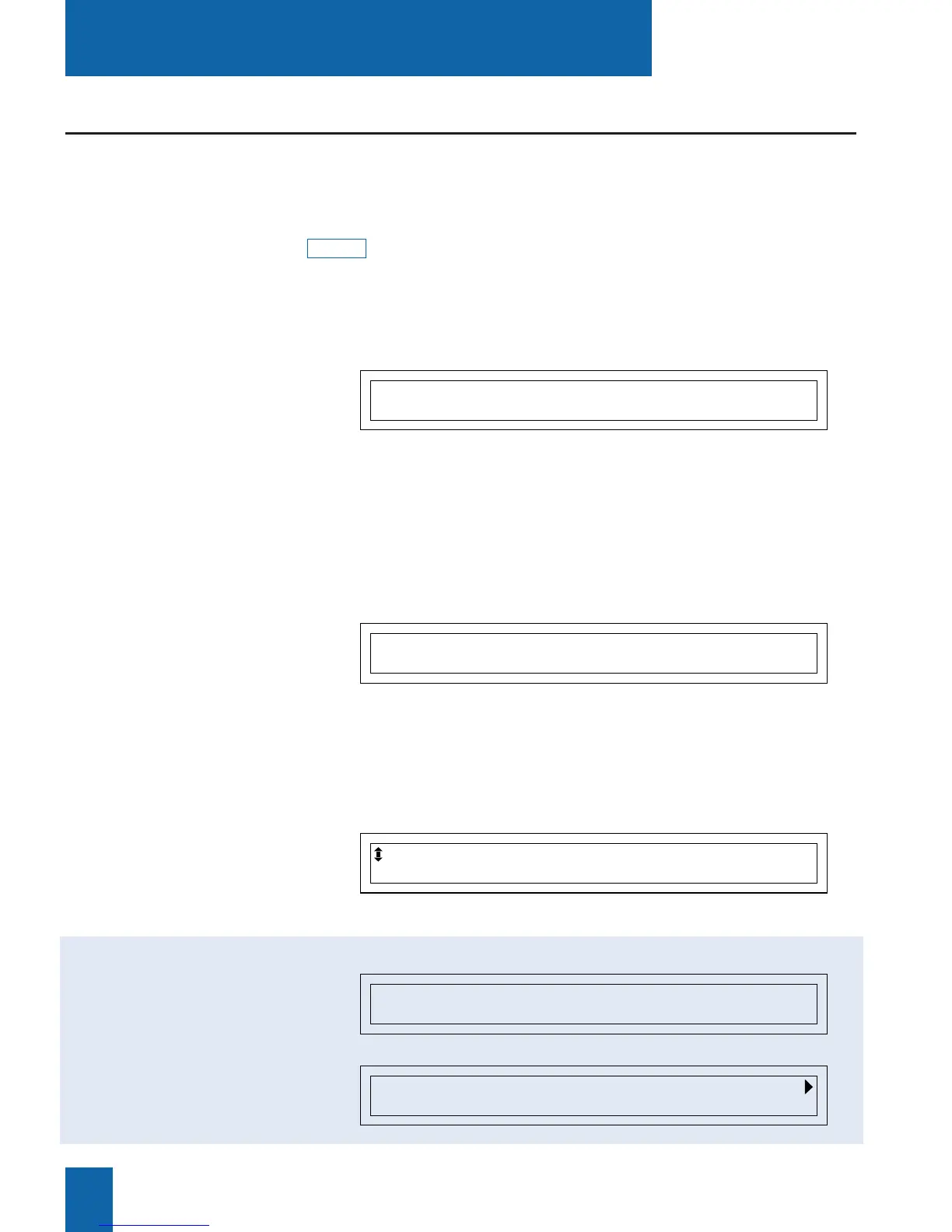
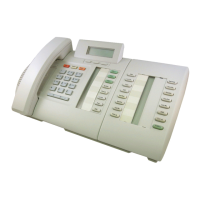
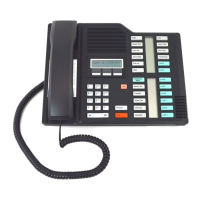
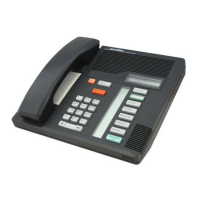
The M760 digital set incorporates a display associated with 5 interactive keys and a navigator.
You can adjust the contrast of the display (refer to the section on Settings).
The display consists of one information line and a second line which contains the functions
(symbolized in this guide by ) which may be accessed by pressing the interactive keys.
Note: the information on the display depends on how the set is programmed, and the features
available*.
xxxx
Description
6
When the set is idle, the display shows the time and date.
- If an event occurs (a call is received, a message is left, etc),
The display shows other information; pressing the Cancel inter-
active key will erase the message.
The first line of the display shows the identity of the other cor-
respondent (or parties) during a call.
The second line shows functions that can be invoked during
a call, by pressing the interactive keys.
The display shows the selection:
The display shows the record information:
Interactive display
Thursday 25 May 10:40 AM
Comm Pick-up Funct. Lang.
C. CHARLES
Comm Prenum <- Start Park
When the set is
idle:
During a call:
During
programming:
* Depending on the features provided by your system operator.
PROGRAMMING
MARTIN 15/03 10:00 AM
Call Delete Create
C. CHARLES XXXXXXXXXX
Call Delete Modify Create Lists
While consulting the
directories
or the incoming calls log:



 To Next Page