Settings
83
Programming a micro-headset connection
Your set is designed for use with a micro-headset. Once the micro-headset is connected,
you have to program the micro-headset connection.
Consult your system operator. He will adjust your micro-headset setting to your specific
needs.
Note: your set must be programmed for multikeys (refer to section on Multikey function)
for access to headset programming (Connect interactive key).
Connect
Headset
Auto
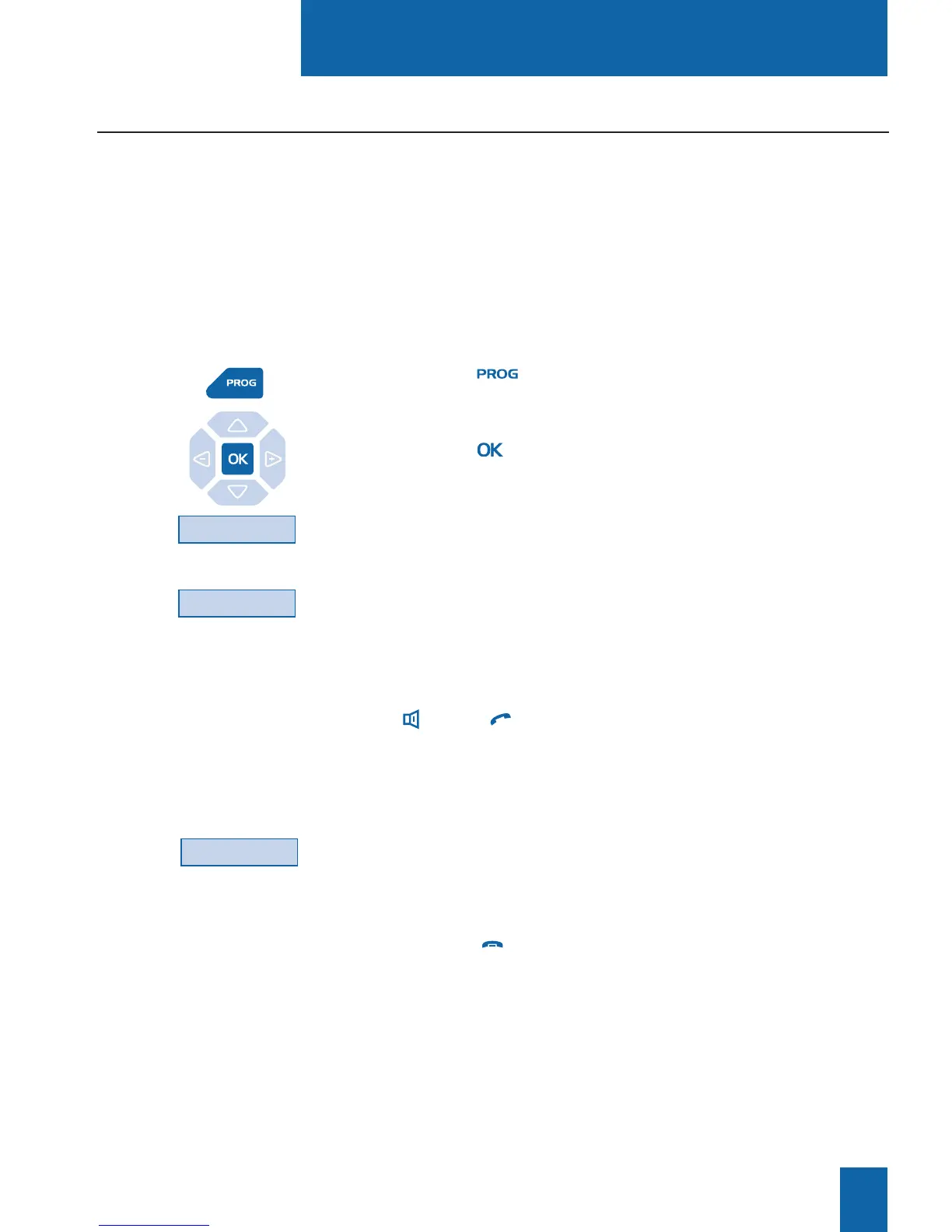
1 - Press key .
The display indicates "7/Access features".
2 - Press key .
The display indicates "WHAT DO YOU WANT TO PROGRAM?"
3 - Press the Connect interactive key.
The display indicates the programmed mode (handset).
4 - Press the Headset interactive key.
The display proposes auto or manual headset mode.
. Handset headset mode: to answer a call, you have to press
key (or the green key).
. Auto headset mode: when called, you can speak to your
caller directly in the micro-headset without pressing any keys.
5 - Select the desired mode (for example, Auto).
The display confirms the choice.
At end of programming,
- pressing the red key returns to idle.










 To Next Page