Settings
82
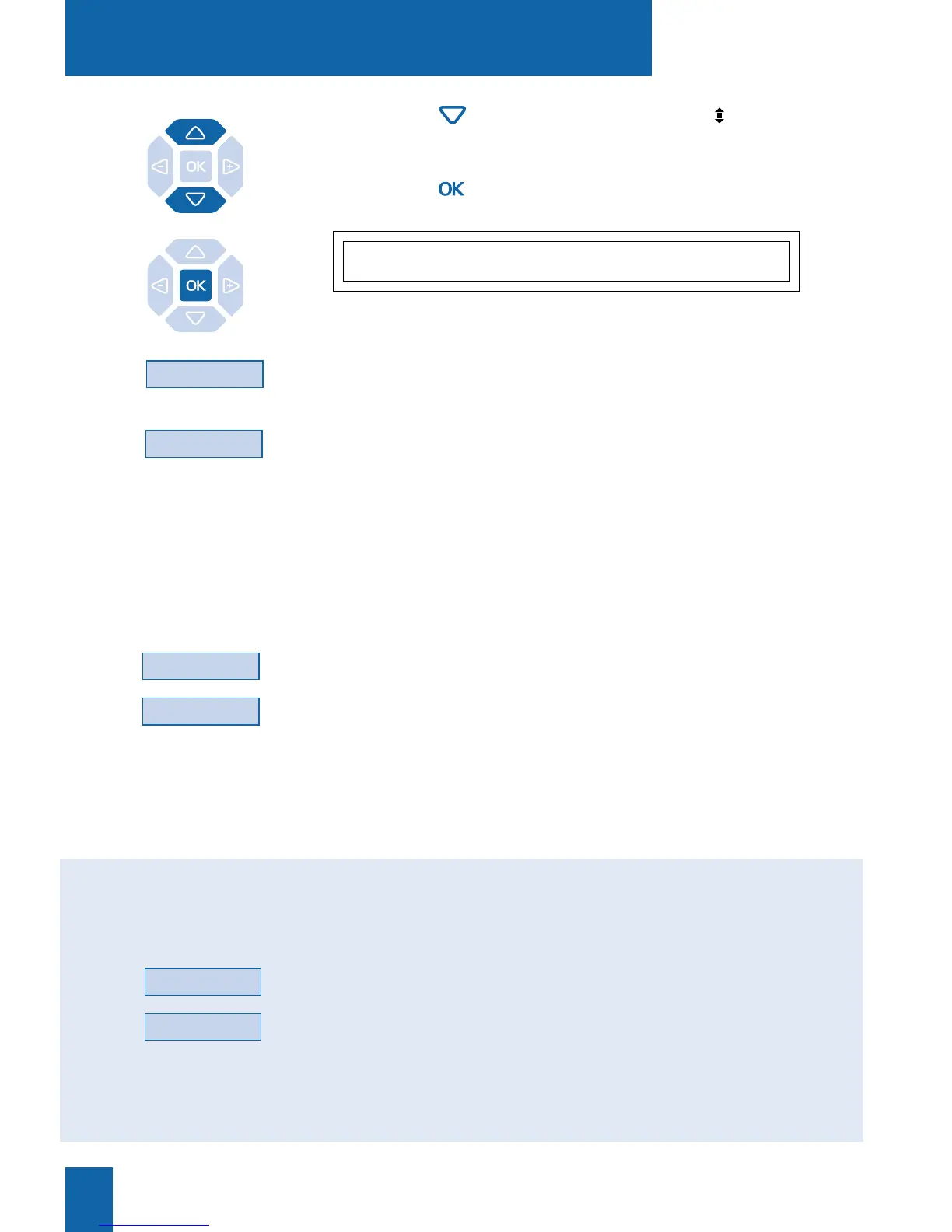
2 - Press the key until the display shows “ LANGUAGE”.
3 - Press the key.
The display presents the first available languages.
. Press the --
>
interactive key to display the other languages, if
necessary.
4 - Press the interactive key corresponding to your choose (e.g.:
English).
Two beeps are emitted to confirm the language setting.
Depending on the choice, the display presents system
information in the selected language.
CHOOSE DISPLAY LANGUAGE
Français English Deutsch Nederl --->
English
--->
Language
To choose the language in which messages from the system are
displayed:
When the set is iddle,
1 - press the Language interactive key.
2 - Press the interactive key corresponding to the required lan-
guage (for example, English).
The display shows the date and time in the selected language.
Choosing the system
message language:
English
You can choose the language in which all messages will be
shown on the display.
When the set is iddle,
1 - press the Lang. interactive key.
2 - Press the interactive key corresponding to the required lan-
guage (for example, English).
All messages shown by the display are in the same language.
Choosing the set and
system messages
language :
Lang.
English










 To Next Page