The private directory
32
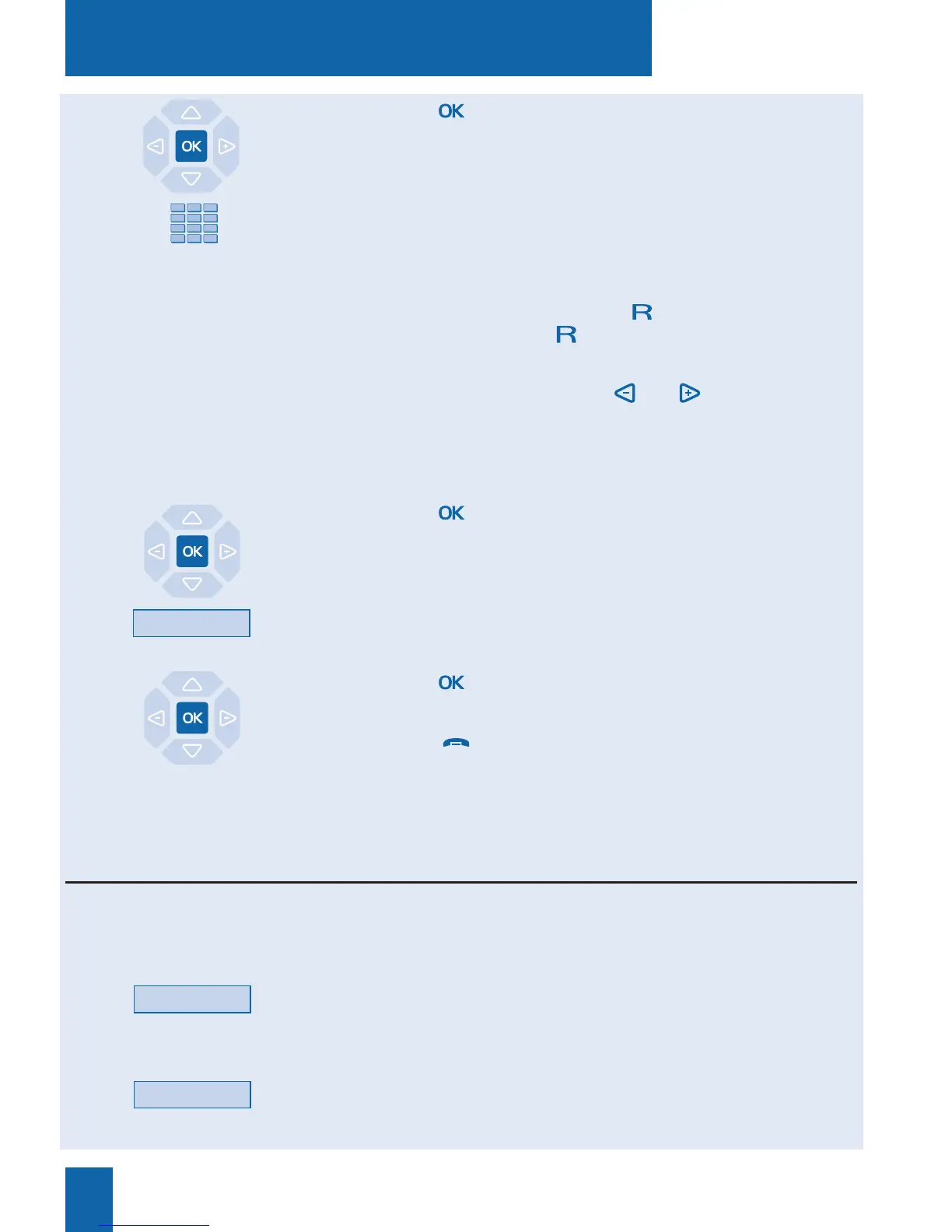
3 - Press the key to confirm the name.
The display prompts you to enter the associated number.
4 - Enter the telephone number, including the code for obtaining
external line if the number is an external number (up to 23 digits).
Note: when a name or number already exists in the directory,
the display shows the message "ALREADY REGISTERED".
. If you want to save an access sequence (e.g. secret code or
interrogation code), you must press before entering the
code. You must also press to insert a pause in this code, if
necessary.
. If you make a mistake, press the and keys to select the
character to be replaced (cursor under the character) then enter
the new character.
You can also press the Erase interactive key.
5 - Press the key to confirm the number.
The display prompts you to choose the list in which to save the
record (by default, the list 1 is suggested).
6 - Press eventually the interactive key corresponding to anoth-
er list (such as List 4).
7 - Press the key to terminate.
The display shows the record saved.
Note: use the red key to abort or terminate the process.
List 4
Modify
Name
Modifying or deleting a record from the private directory
Modifying a record:
Once a record has been created, you can subsequently modify it or delete it.
While consulting the list/record/directory and when the record
in question is displayed:
1 - Press the Modify interactive key.
The display prompts you to modify the name and/or number,
or to move the record to another list.
2 - Press the interactive key corresponding to the item
to be modified (such as the name, for example).
The display shows the name saved.










 To Next Page