The voice mailbox
57
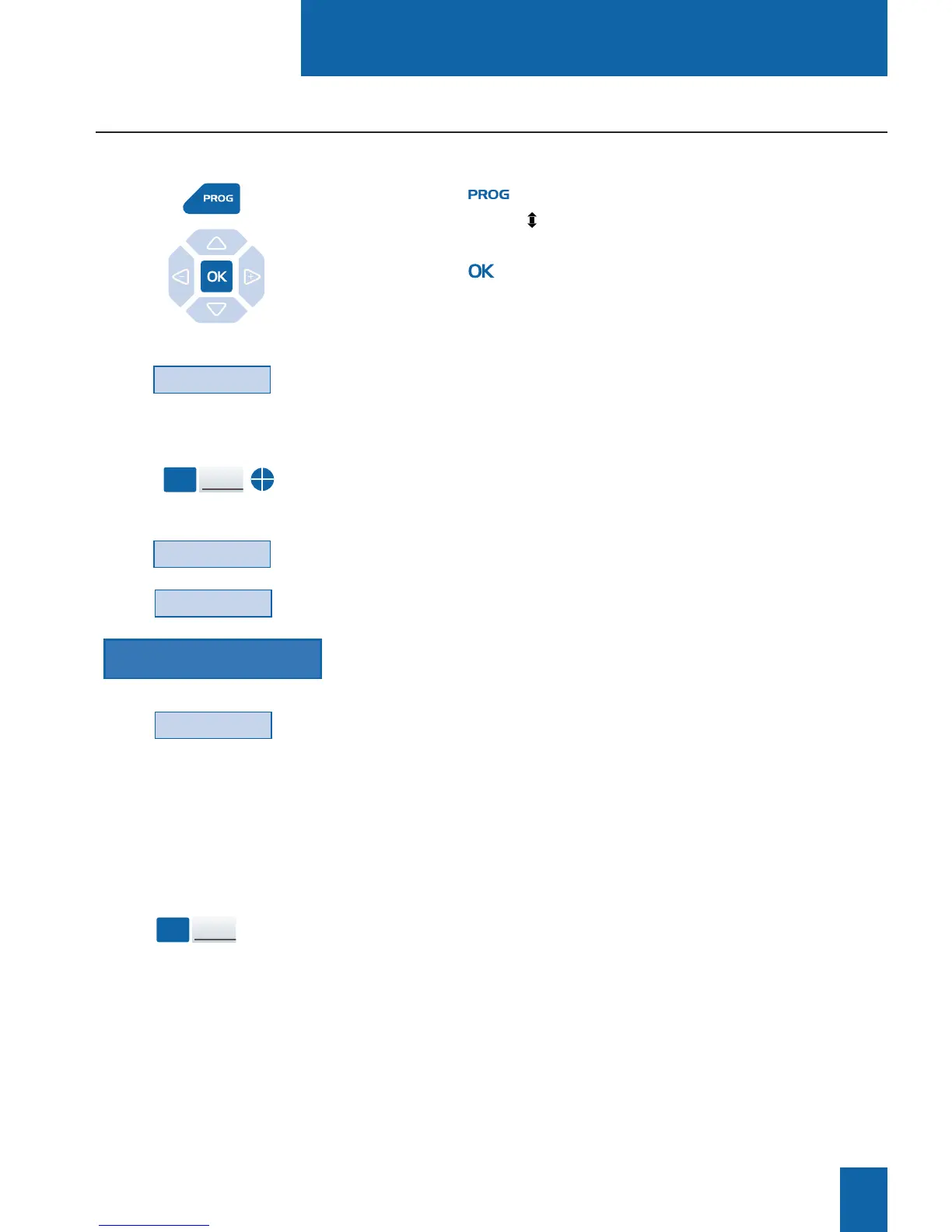
1 - Press the key.
The display shows " PROGRAMMING".
2 - Press the key.
The display shows the message "WHAT DO YOU WANT
TO PROGRAM?"
3 - Press the Key interactive key.
The display prompts you to select the desired programmable key.
4 - Press a programmable key.
The icon associated with this key illuminates steadily, and the
display shows the programming status of the said key.
5 - Press the Modify interactive key.
6 - Press the Tone interactive key.
7 - Enter the key sequence (mailbox no. followed by # and/or
password, followed by #)*.
8 - Press the Enter interactive key to accept the programming.
This way, after you have called the voicemail system, when
the voice prompt asks you to enter the mailbox number and/or
your password,
- Simply press the programmed key.
You will gain direct access to the main menu of your mailbox.
Programming access codes on a programmable key
Key
Modify
Tone
Mailbox no. # pswd #
Enter
Using the programmed
key:
Mailbox
access
* Depending on the features provided by your system operator.
You can assign the codes for gaining access to your voice mailbox to a programmable key.










 To Next Page