The LNR calls log
30
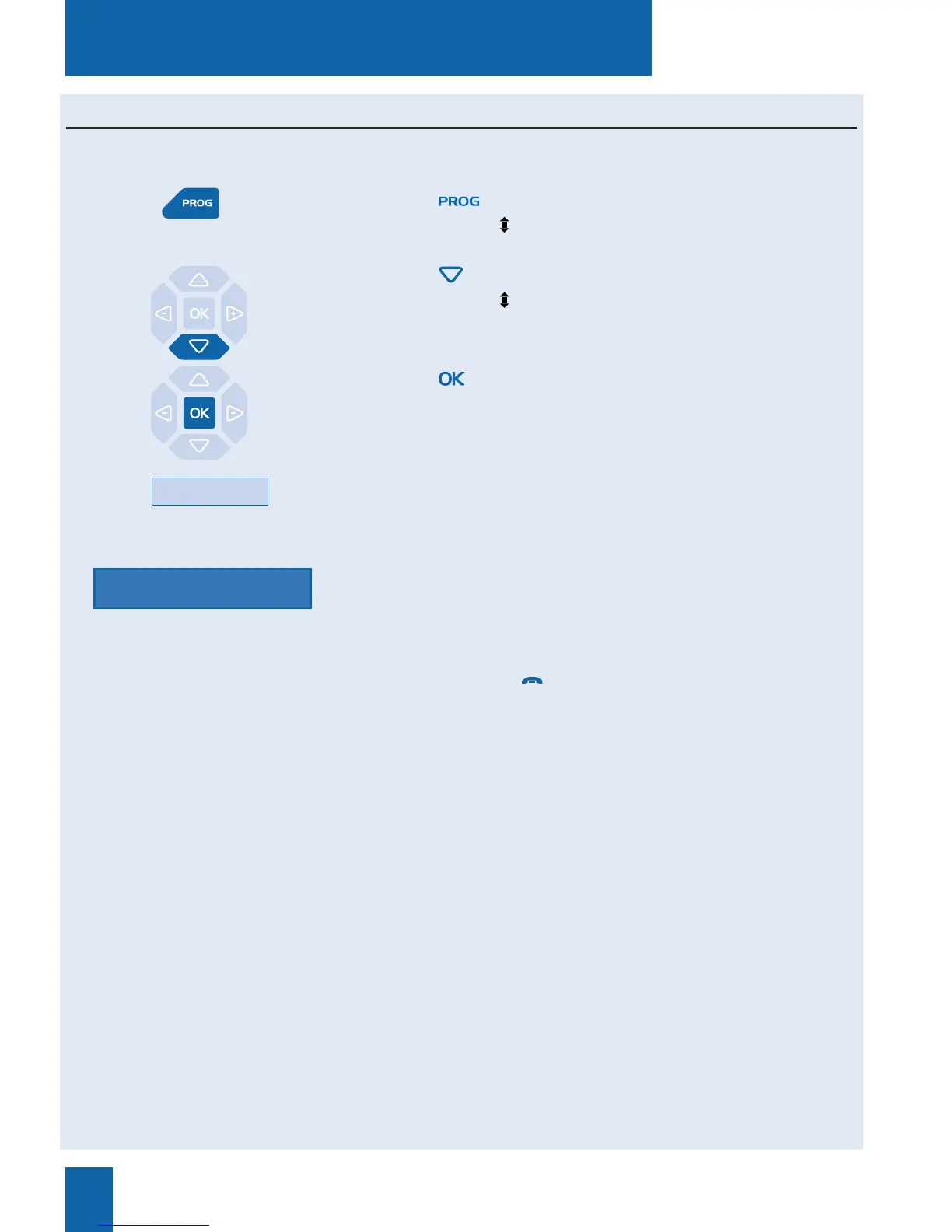
1 - Press the key.
The display shows « PROGRAMMING»
2 - Press the key
The display shows « CLEAR LOGS».
3 - Press the key.
The display shows «DELETE LNR CALLS LOG».
4 - Press the Delete interactive key.
The display prompts you to enter your password.
5 - Enter your password.
An audible signal confirms the deletion. The display will
confirm that the log has been erased entirely.
Note: You can use the red key to abort or terminate the
procedure.
Deleting the entire LNR calls log
You can delete all numbers stored in the LNR calls log.
Password
Delete










 To Next Page