During a call
23
Pick-up
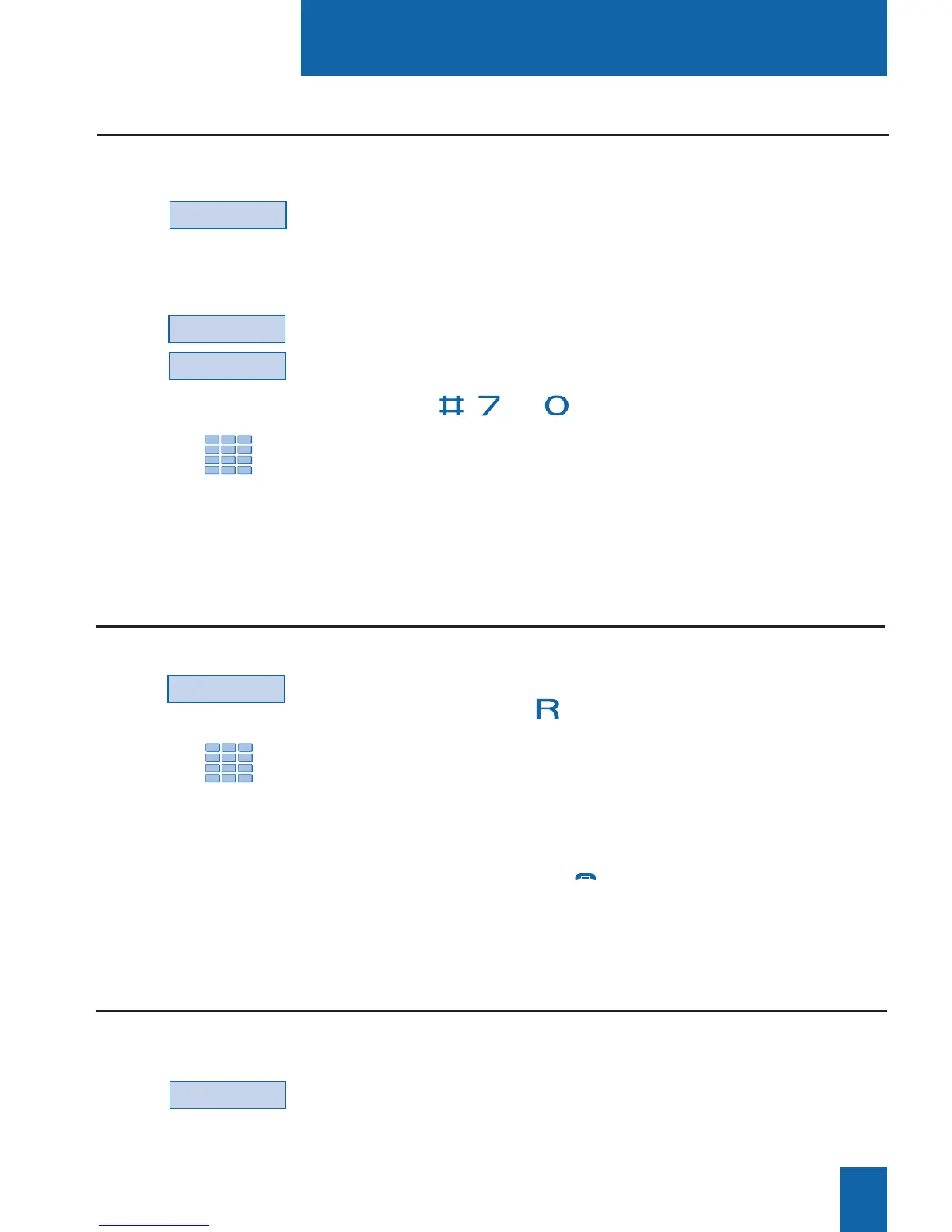
- Press the Park key.
The telephone set returns to idle mode. Your call is on hold,
and the distant correspondent will hear holding music or tones.
On the second extension:
- Press the Pick-up interactive key;
- Then press the Park interactive key.
Note: if the set in question does not have interactive keys,
press the , and keys in succession.
- Dial the number of the first extension to pick up the call
on hold.
If the call on hold is not retrieved within a given time interval,
it will be automatically switched to the attendant.
Placing a correspondent on hold and taking the call on another extension
Park
Park
Comm
1 - Press the Comm interactive key.
You can also use the key.
2 - Dial the extension number.
Note: you may also conduct a search by name or use
the pre-programmed keys.
You may wait for the correspondent’s to answer or hang up
immediately (or press the red key if you are in hands free
mode or micro-headset mode).
Transferring a call
1 - Press the Comm interactive key.
The first correspondent will be placed on hold, and will hear a
tone.
Calling a second correspondent
Comm
Suppose you are holding a call with a distant correspondent and you want to continue the call
on an extension in another office.
Suppose you want to transfer a call to another extension.
Suppose you are talking to one correspondent and want to talk to a second correspondent,
whether inside or external to the organization.










 To Next Page