During a call
27
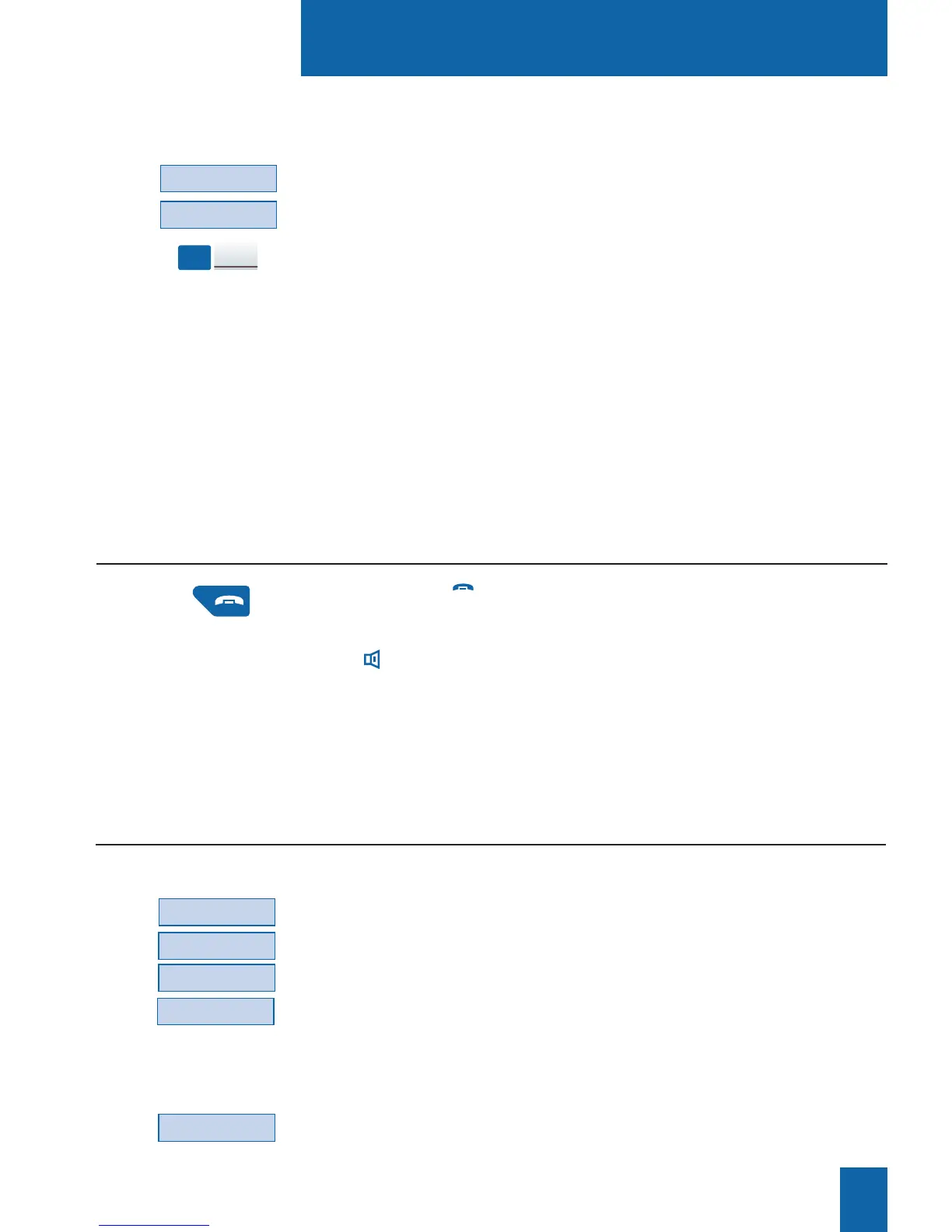
- Press the red key.
You can also simply hang-up the handset.
If the set is in hands free mode, the lamp associated with the
key goes out.
The correspondent will be released and the call ended.
Ending a call
You can save the distant correspondent's number to a program-
mable key, whether the call is incoming or outgoing.
1 - Press (sucessively) the --
>
interactive key.
2 - Press the Memory interactive key.
3 - Press a programmable key.
The number will automatically be stored, and can be dialed
by pressing the programmable key in question.
Write the correspondent's name on the label beside the pro-
grammable key.
Memory
-->
DUPONT
Saving the distant corre-
spondent's number:
- Press Funct., Feature, -->, Memory interactive keys.
The display shows the memorised numbers.
. Press Store to dispay the number stored by storing-redialing
function.
. Press Redial to dispay the number stored by LNR function.
. Press Call bk to dispay the number stored by redial function.
The display shows the selected number.
- Press the Cancel interactive key to erase the stored number.
-->
Memory
Feature
Funct.
Cancel
Consulting the stored numbers
You want to consult the numbers stored by storing-redialing function, LNR or redial functions.










 To Next Page