The filtering function
67
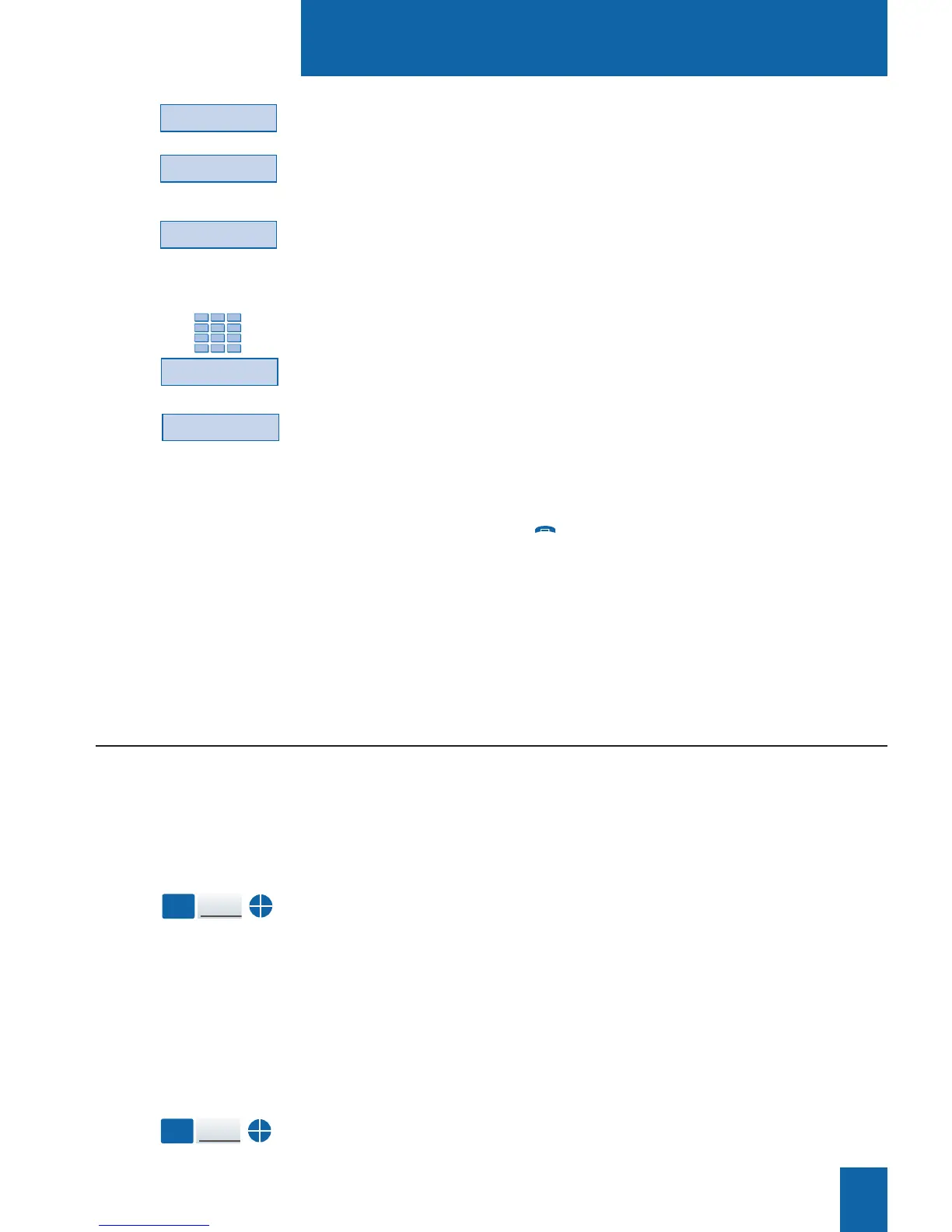
11 - Press the Modify interactive key.
12 - Press the filter interactive key.
The display shows the message in step 7.
13 - Press the superv. interactive key for the filtering set.
The display prompts you to key in the number of the extension
to be filtered.
14 - Key in the number of the extension then press the Enter
interactive key.
The display prompts you to select the manner in which
the supervised extension will notify you.
15 - Select the signaling mode (such as beep signaling, for
example).
You will have a choice between signaling by means of a repeated
beep (rep. beep), or ring tone, or no signaling (mute).
Reminder: press the red key to cancel a setting or to put
an end to the sequence.
You must repeat the operation on the filtered extension
however at:
7 - Press the Activ. interactive key for filtered;
13 - Press the Superv. interactive key for filtered.
Communicating with the filtering function
You have programmed the keys in order to use the filtering function*.
You can activate the filteringfunction either from the filtered
extension or from the filtering extension by using the key pro-
grammed with the filtering function.
- Press the key that has been programmed to filter.
A sound message and the display confirm the activating. The
icon associated with the programmed key will illuminate on the
filtered and filtering extension.
Activating
the filtering function:
Filtering
You want to call the person using the filtered set.
- Press the key that has been programmed to supervise.
The icon associated with the programmed key will illuminate.
Calling a filtered set:
Filtered
Superv.
You are filtering:
Modify
Filter
Beep
Superv.
Caution!
* Depending on the features provided by your system operator.
Enter










 To Next Page