The Private Directory
35
Calling from the private directory
- Press the Call interactive key.
You can also press the green key or the key.
The set will automatically call the number registered within
the record.
Call
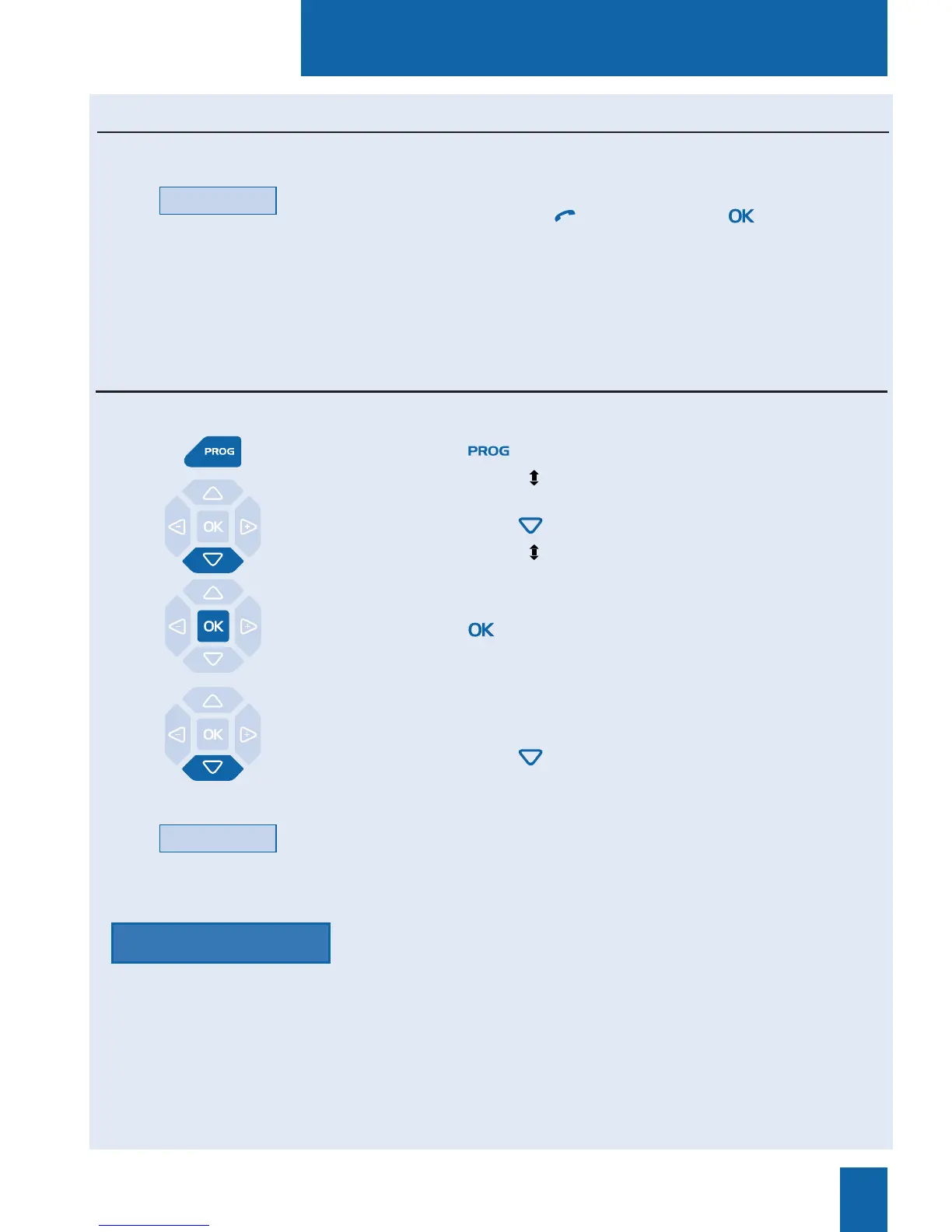
1 - Press the key.
The display shows « PROGRAMMING»
2 - Press twice the key
The display shows « DIRECTORIES MANAGEMENT».
3 - Press the key.
The display shows the first choose of «DIRECTORIES
MANAGEMENT» selection.
4 - Press twice the key.
The display prompts you to select one liste or all lists.
5 - Press the interactive key corresponding to the desired list
(such as List 1).
The display prompts you to enter your password.
6 - Enter your password.
You will hear two beeps. The display will confirm that the pri-
vate directory log is erased partly or entirely.
Deleting all records from the private directory
Password
While consulting the directory, you can call the correspondent whose record is displayed.
You can delete one record or all records saved in the private directory.
List 1










 To Next Page