Description
9
Erase
Using the keypad, you can enter information in the records of
your private directory and the information directory.
When a text entry is proffered:
- Press directly the key representing the letter to be entered.
The character displays in upper case.
1 - Press and hold down the key.
2 - Press the key representing the letter to be entered
The character displays in lower case.
- Press the key representing the desired accented character ("e"
for example).
The display shows the various possibilities for accentuation.
- Press the interactive key corresponding to the choice desired
(such as "é" for example).
The desired accented character displays.
These are characters marked in orange on the keypad.
1 - Press and hold down the key.
2 - Press the key representing the character to be entered.
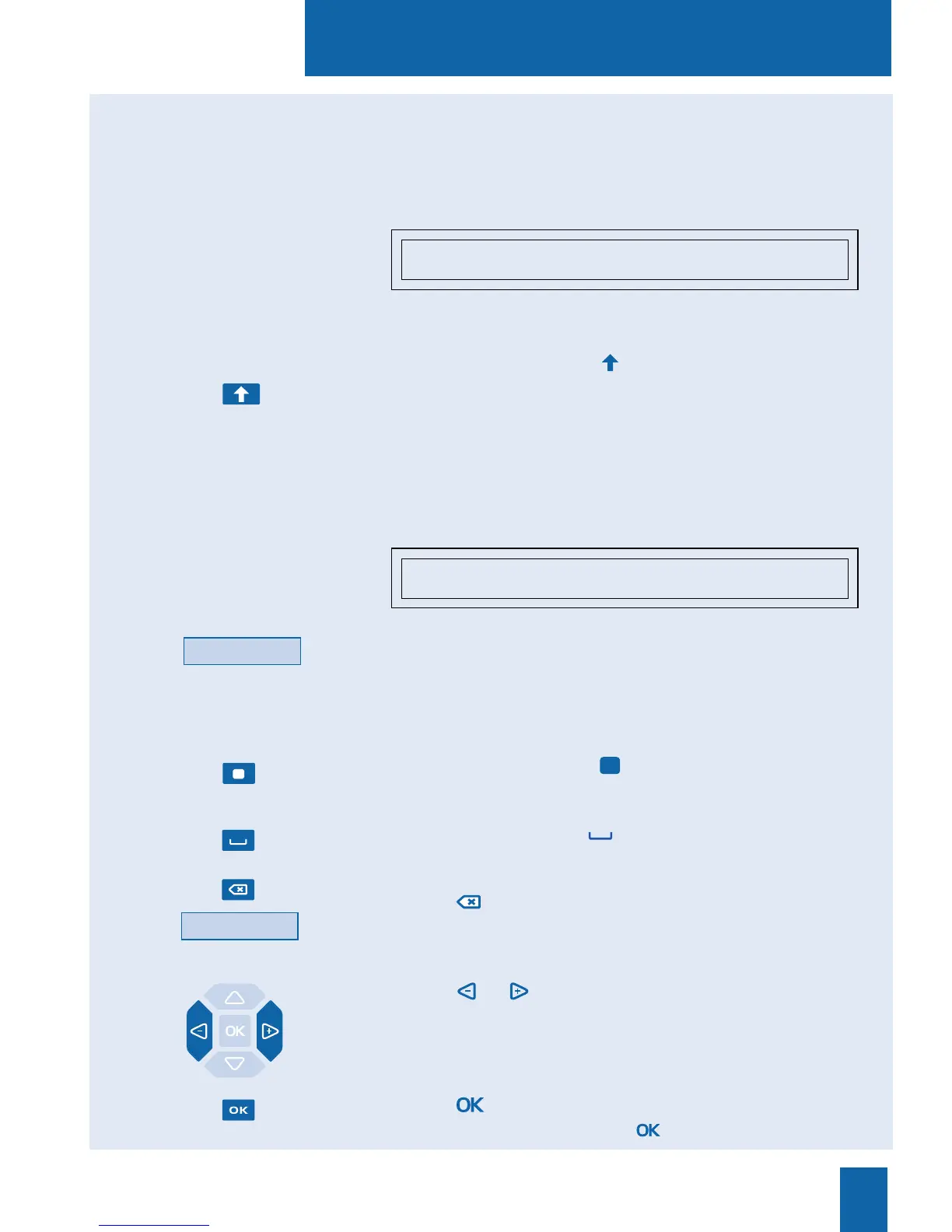
To enter a space, press the key.
To delete your last entry:
- Press the key;
- or press the Erase interactive key.
To replace an entry:
- Press the or keys to select the character to be replaced
(the cursor will be positioned under the character);
- then enter the new character.
To accept an entry:
- Press the key on the keypad.
You can also use the navigator's key.
He_
é è ê ë Erase
ENTER NAME: DUPONT_
Erase
Entering lower case letters:
Entering special
characters:
Entering accented charac-
ters:
é
Enter text:










 To Next Page