Dialing a correspondent
17
Searching for a corre-
spondent in the private
directory:
The display shows the letter(s) entered:
. if only one name corresponds to what you entered,
the said name is displayed with the associated number;
. if the cursor displays, this means that a variety of names
correspond to the letters entered;
. if necessary, enter further letters.
. If you make a mistake, press the Erase interactive key.
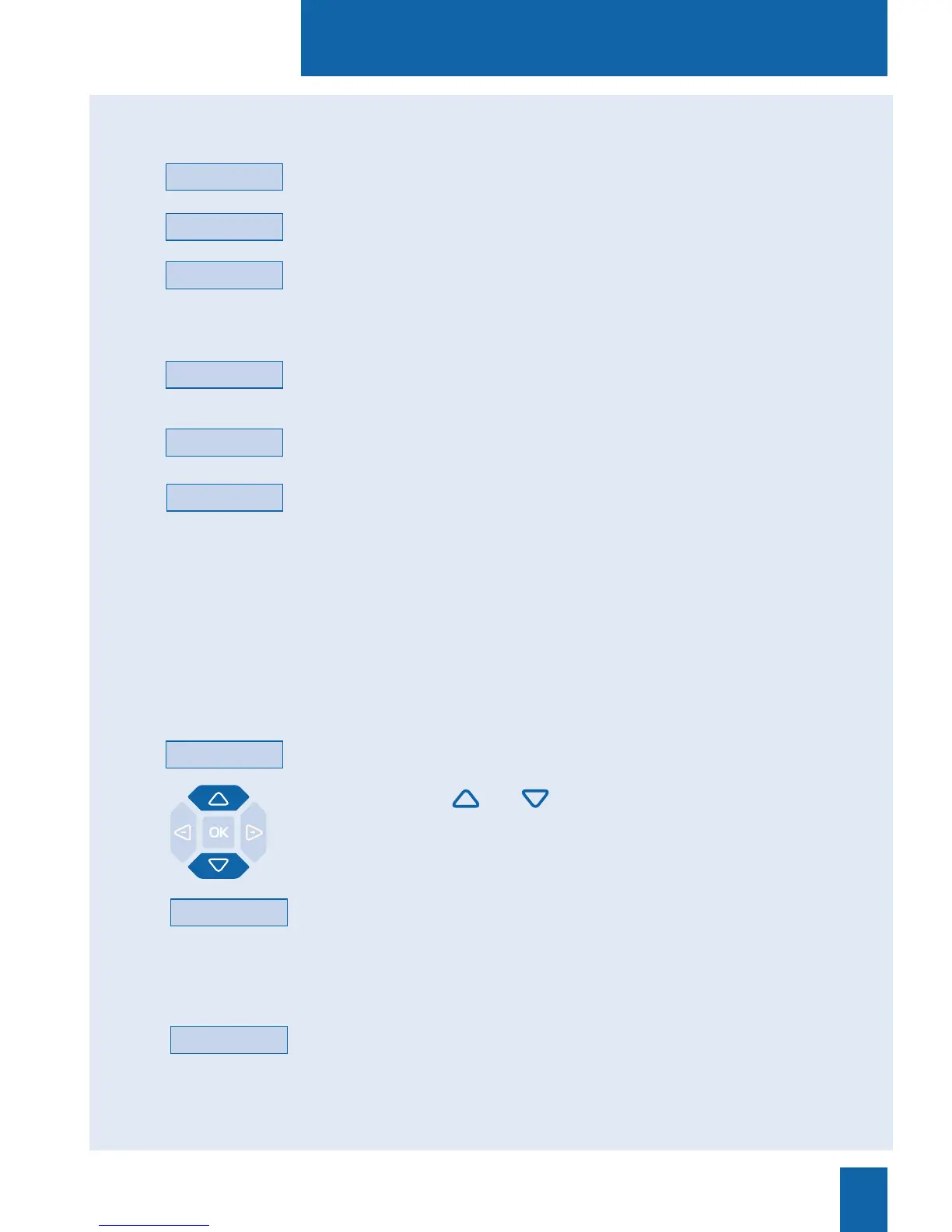
- Press the and interactive keys to scroll through the
names.
The display shows the names and associated numbers.
- If no name corresponds with the letters entered, press the
Correct interactive key to resume entering letters.
Correct
When the name of the correspondent you want to call displays:
- press the Call interactive key.
The set automatically calls the number.
When the correspondent answers, you can hold a conversation.
Next
Searching for a corre-
spondent in the shared
directories:
Calling the number:
The display shows the letters entered.
. If you need to correct an entry keyed-in, press the Erase
interactive key.
- Press the Consult interactive key.
. If you are not sure of the spelling of the desired name,
press the Phonetic* interactive key.
The display suggests a name or, in case of several names,
shows the number of possibilities.
. Press the Next interactive key as many times as necessary
until the desired name is displayed.
. Press the Previous interactive key to return back.
. If necessary, press the Correct interactive key to resume
entering letters.
Consult
Previous
Erase
Call
Phonetic
Erase
Correct
* According to features provided by the system operator.










 To Next Page