NovaPro HD User's Manual
www.novastar.tech -11-
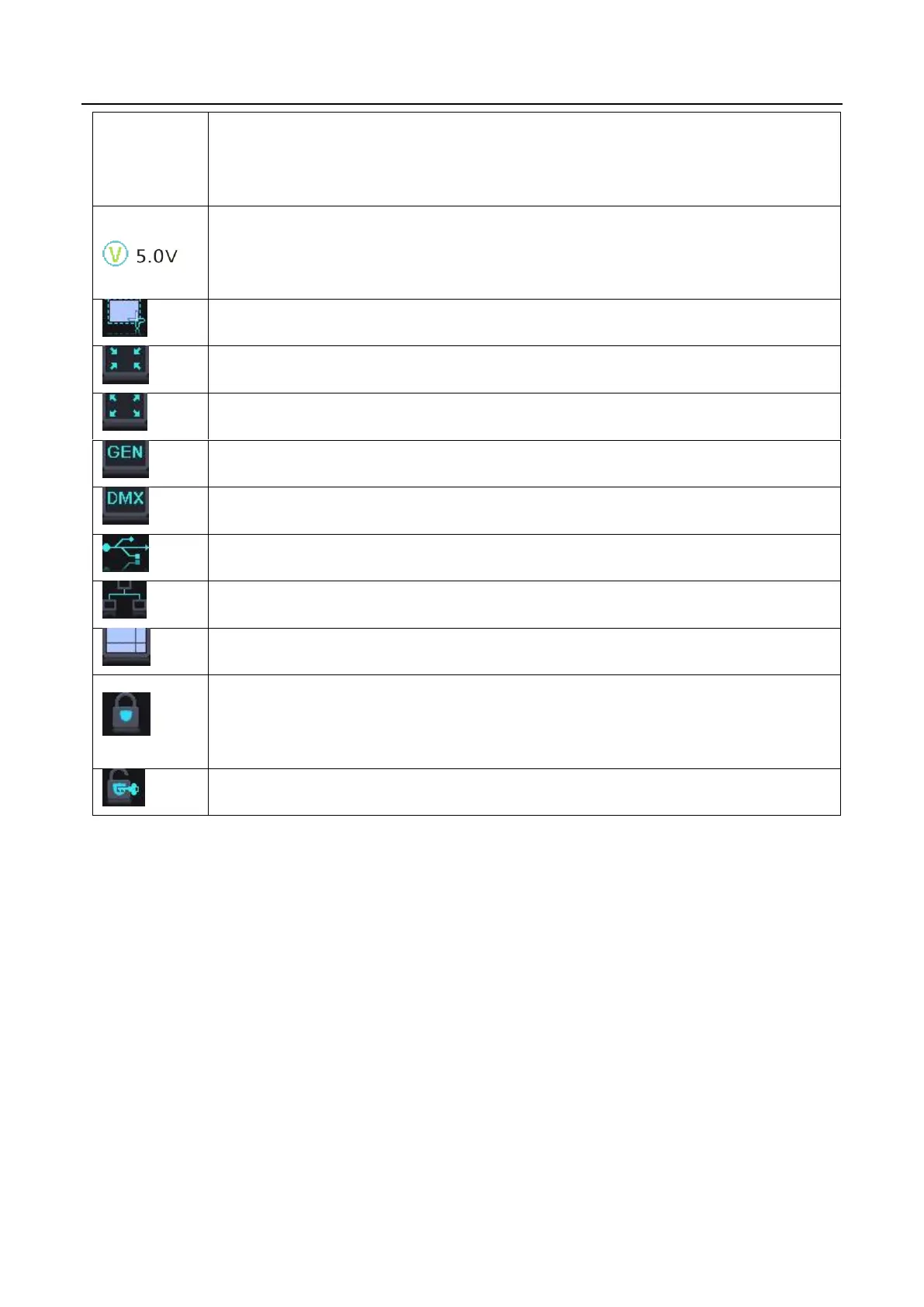
to be changed by users), the temperature value will turn red and
blinks.
When the voltage of NovaPro HD exceeds threshold value (able to
be changed by users), the voltage value will turn red and blinks.
Current effect is point-to-point display.
It denotes that there is Genlock synchronous signal input.
It denotes that DMX channel signal is enabled.
It is USB control currently.
It is Ethernet Port control currently.
Button lock icon, functions of the buttons and knob are locked when
this icon appears on the main interface.
It denotes that the controller is not locked
6.3 Step 1: Input Settings
Set the resolution of input source signal. Resolution can be directly set and changed
through NovaPro HD for digital input modes: DVI, HDMI and DP. For other input
modes, resolution can only be changed on input devices.
Input resolution can be set through two ways:



 To Next Page