NovaPro HD User's Manual
www.novastar.tech -30-
so that VGA image is clear and complete. Select this menu and then press the knob
once to perform VGA automatic adjustment once.
ADC Calibration: Images will be color cast or darker etc. when analog signal is
accessed into processors without ADC calibration. NovaPro HD is able to
automatically perform ADC calibration based on input analog signal (including CVBS
and VGA) to solve above problems. Select this menu and then press the knob once
to perform ADC calibration once.
DNR Settings: It is available when image input port is not VGA and there are five
modes of noise reduction: "Off", "Auto", "Low", "Medium" and "High".
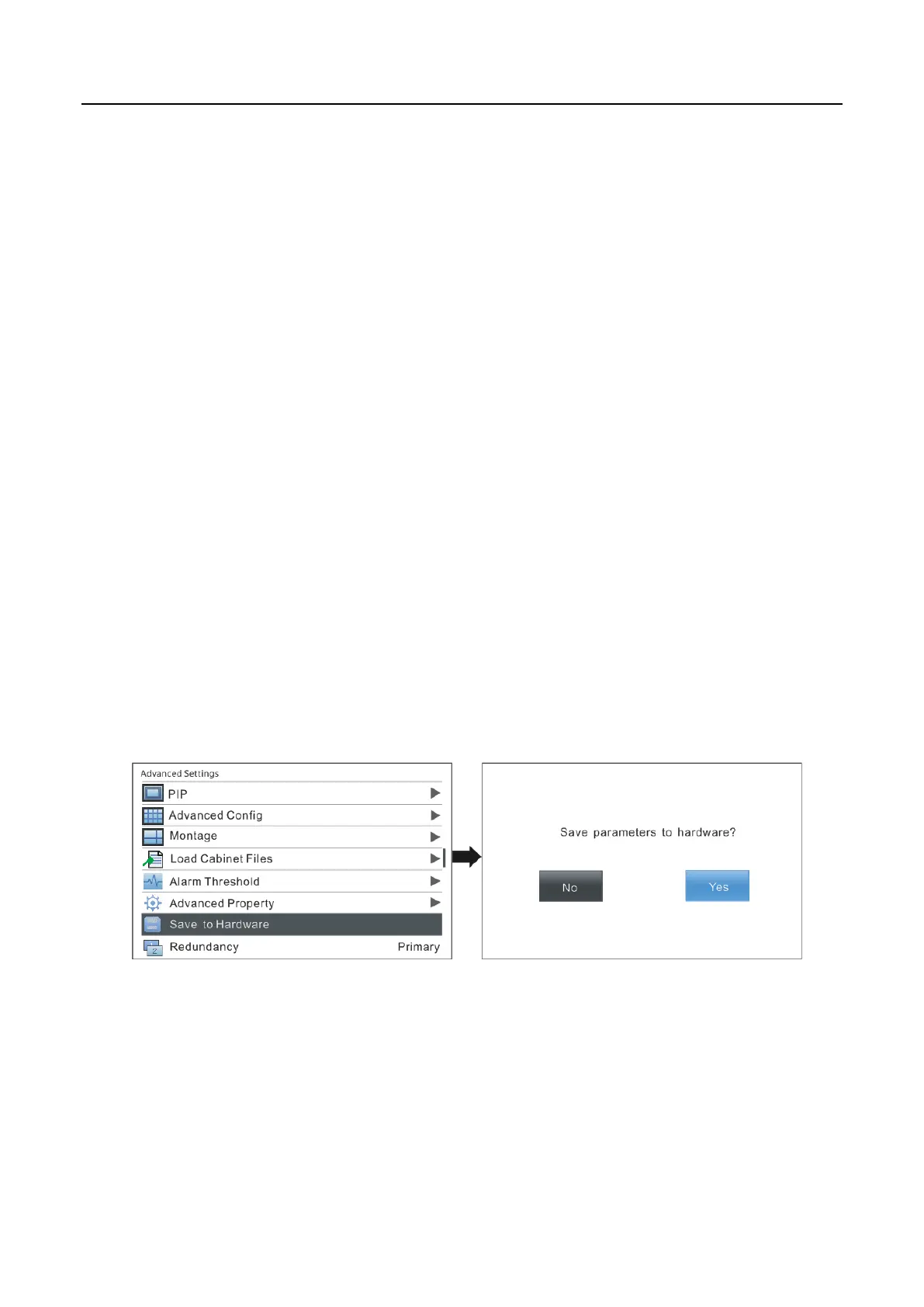
6.8.7 Save parameters to hardware
Save all the configurations of NovaPro HD to hardware and the data will not be lost
after power off.
6.8.8 Redundancy
Set this controller as primary control or backup. “Primary” or “Backup” will be
displayed on the main interface.



 To Next Page