NovaPro HD User's Manual
www.novastar.tech -15-
d) During Data Flow setting, make sure that the data flow of each port is connected along the same
direction.
e) During Data Flow setting, make sure that the start position of Port 1 is the start position of
whole data flow connection.
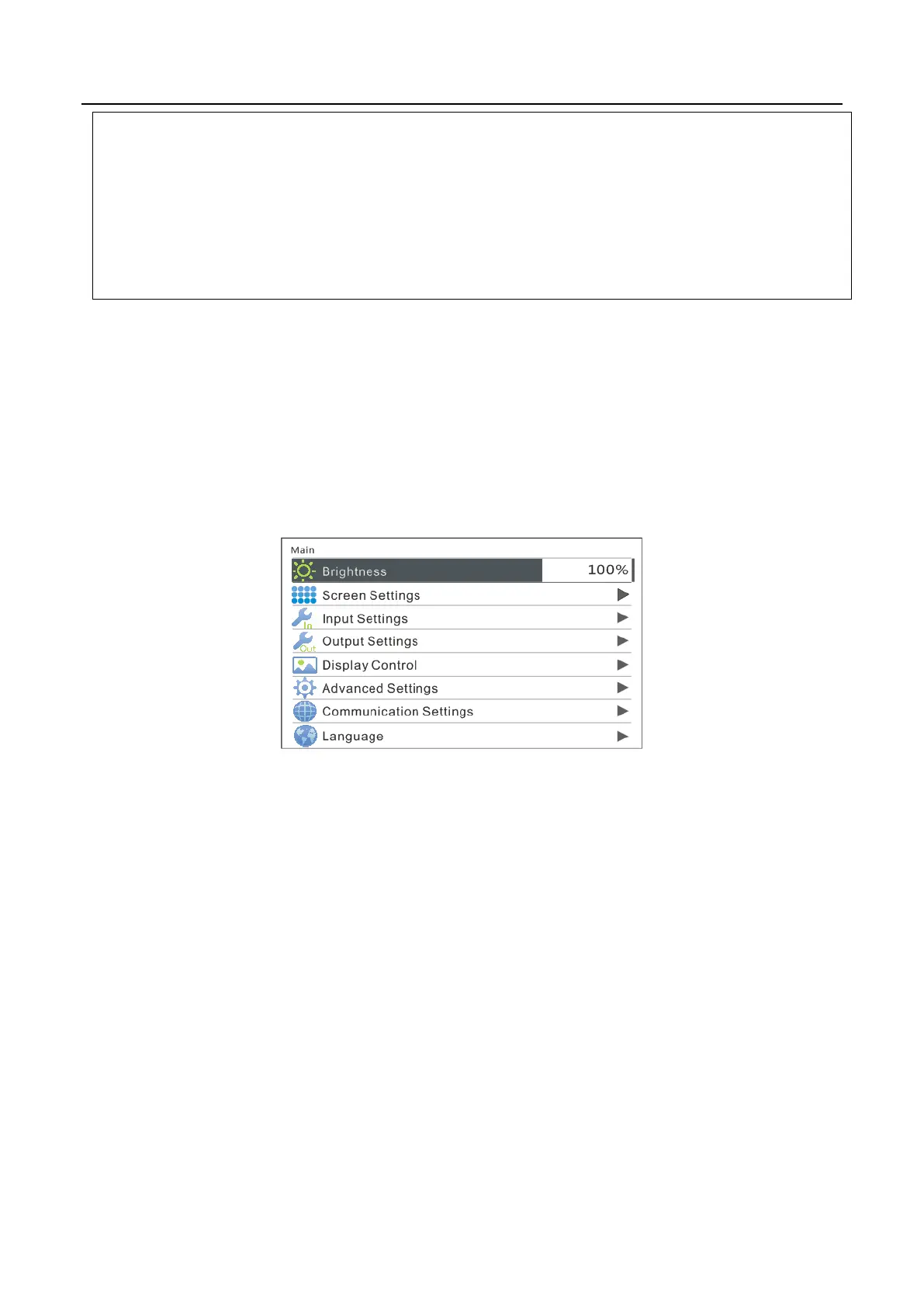
6.5 Step 3: Brightness Control
Return to main menu interface. Press the knob and select the corresponding value. At
this time, the knob can be turned to adjust brightness value.
6.6 Step 4: Output Settings
Output settings can be divided into three cases:
I: Point-to-point display, namely, scaling disabled. Size of output image is the same
as input image and the output is based on original proportion.
Horizontal and vertical offset of image are set as required and operation steps
are shown in the figure below.



 To Next Page