NovaPro HD User's Manual
www.novastar.tech -12-
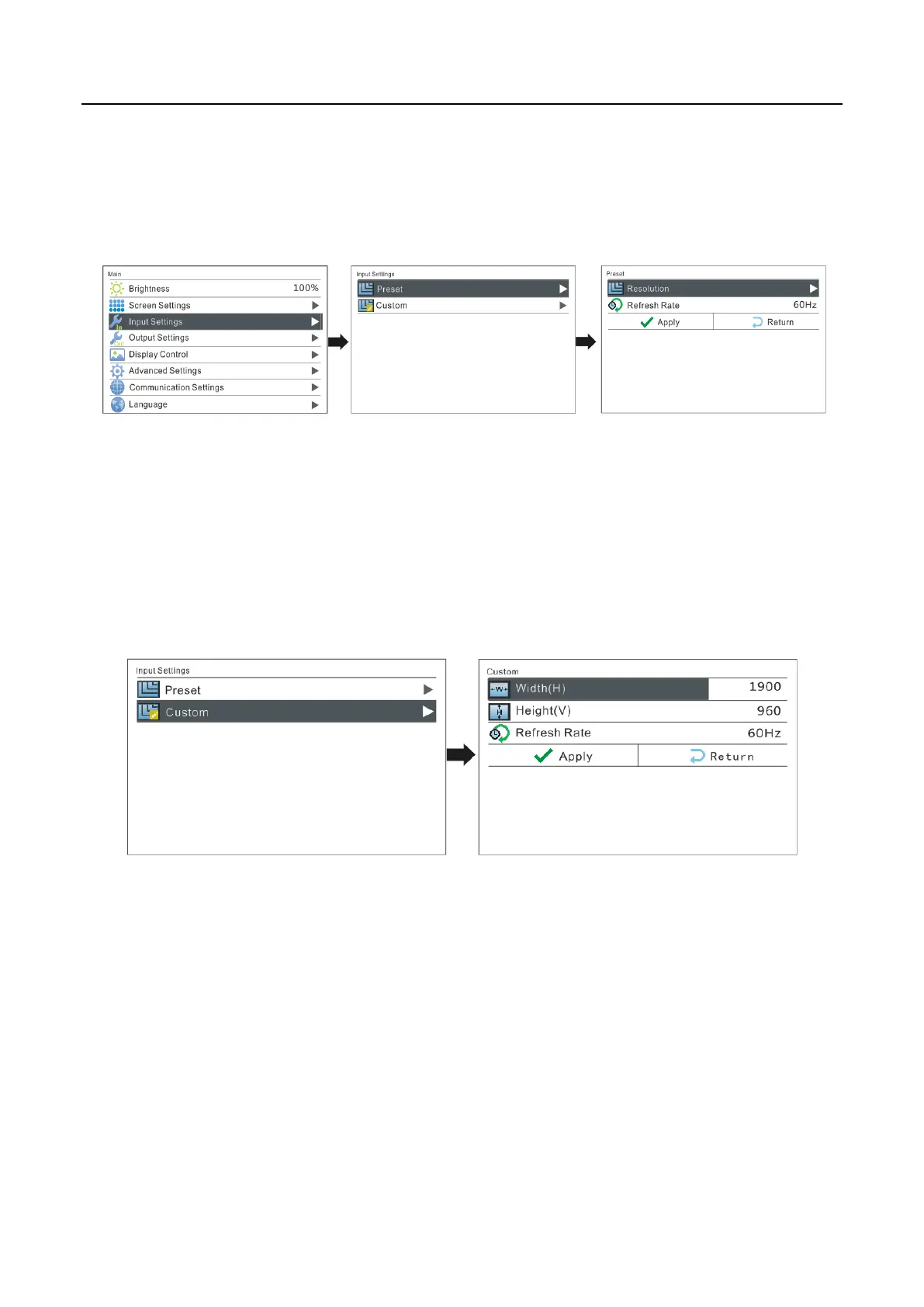
I: Preset Resolution
Choose a suitable resolution from the standard resolutions preset in the controller. If
there is no suitable resolution, please go to II: Custom Resolution
II: Custom Resolution
Set custom width, height, refresh rate. Then turn the knob to select "Apply" and press
the knob to confirm and apply. If not confirmed, the custom resolution settings will
be unavailable.
6.4 Step 2: Screen Settings
Preconditions of screen settings:
1) Each Ethernet port must load the same number of cabinets (If the number of
cabinets is not integer multiples of the Ethernet ports, the remaining cabinets will
be loaded by the last Ethernet port);
2) Regular screen, regular cabinets, each cabinet with the same size.



 To Next Page