NovaPro HD User's Manual
www.novastar.tech -13-
Operating steps of screen settings:
Step 1 Turn on the power of LED display. If the cabinets display normally, go to step
2. If the cabinets display abnormally, it is required to load the cabinet file first
and save it to receiving card. Please see detailed operations in Advanced Settings.
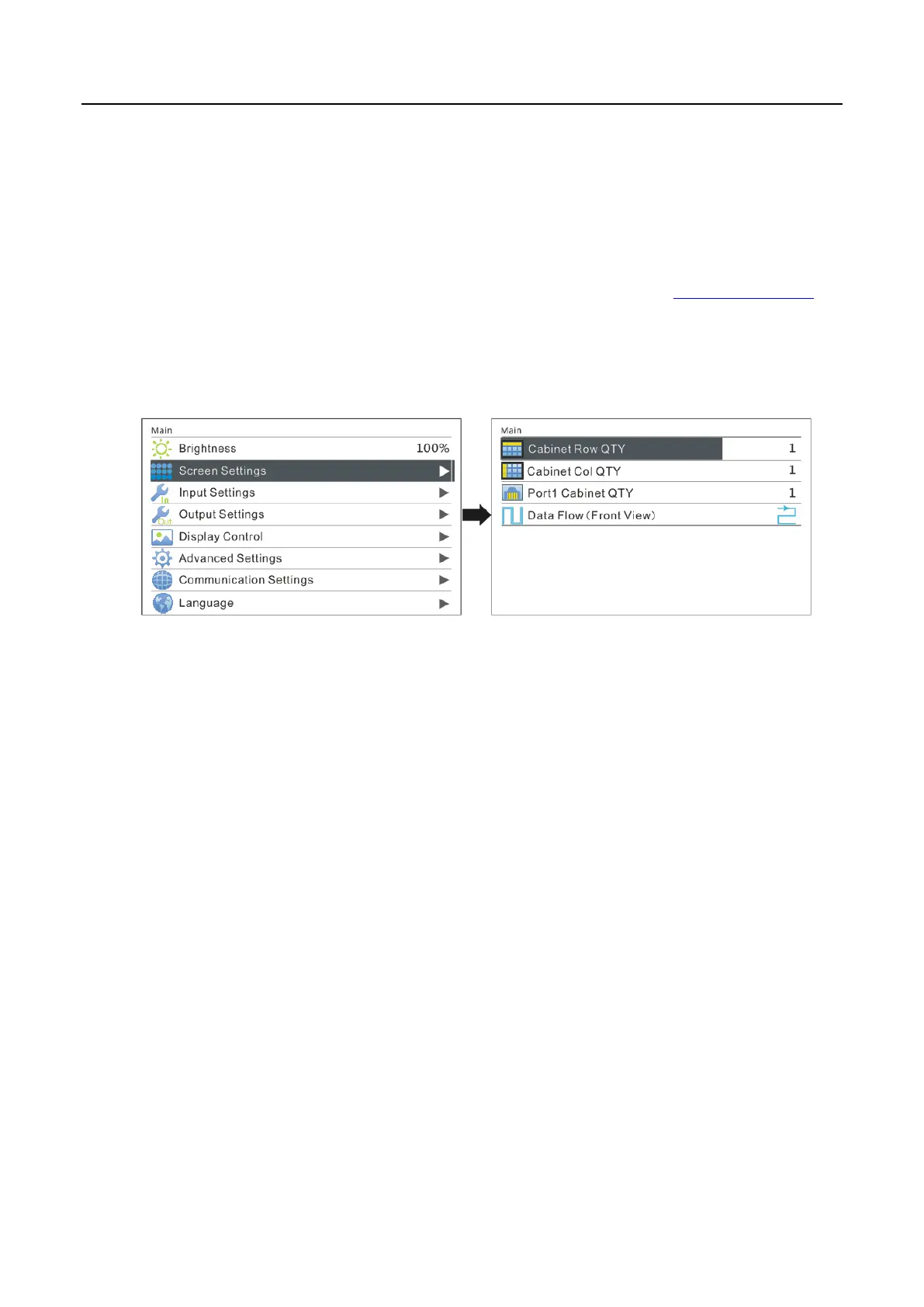
Step 2 Enter into the submenu of "Screen Settings" submenu. The options are shown
in the following figure:
Step 3 Set Cabinet Row QTY and Cabinet Column QTY according to the actual
situation of the screen.
Step 4 Set Port1 Cabinet QTY. The device has some limitations on the cabinet quantity
of network interfaces. For details, see precautions for screen setting a). The
controller has certain limitations to the quantity of cabinet loaded by an Ethernet
port. Please see details in Notes a) of Screen Settings.
Step 5 Set data flow of the screen and please see the Notes c), d), e) of screen settings.



 To Next Page