NovaPro HD User's Manual
www.novastar.tech -33-
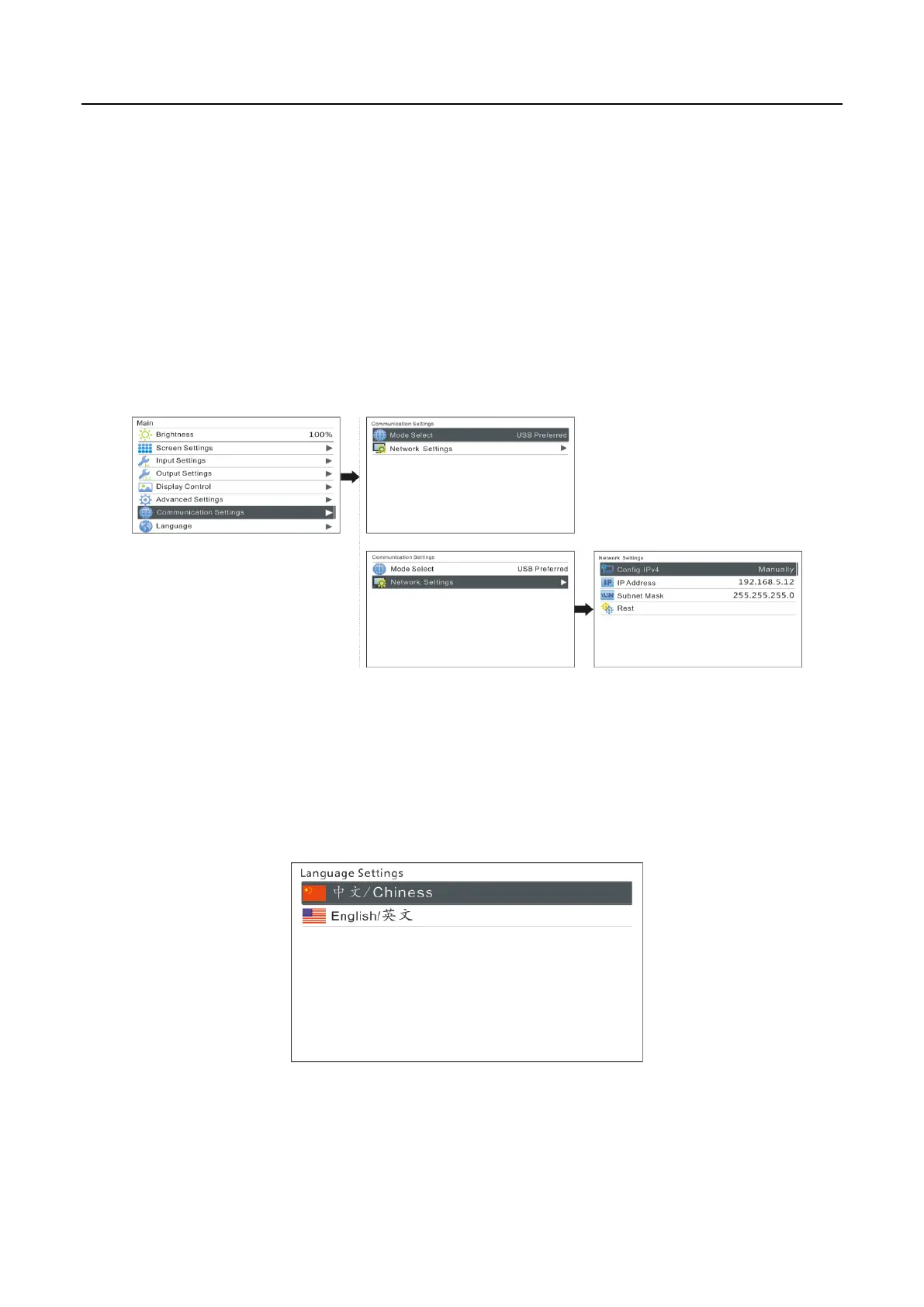
There are two communication modes, one is USB Preferred and the other is LAN
Preferred. If both USB and LAN port are connected to control computer and LAN
Preferred is selected, system will use LAN to control. If only USB port is connected, the
setting will be unavailable and system will use USB to control.
Network modes include “Manually” and “Automatically”. It is obtained through
DHCP while in “Automatically” mode.
6.10 Language Settings
NovaPro HD supports Chinese and English at present.



 To Next Page