NovaPro HD User's Manual
www.novastar.tech -20-
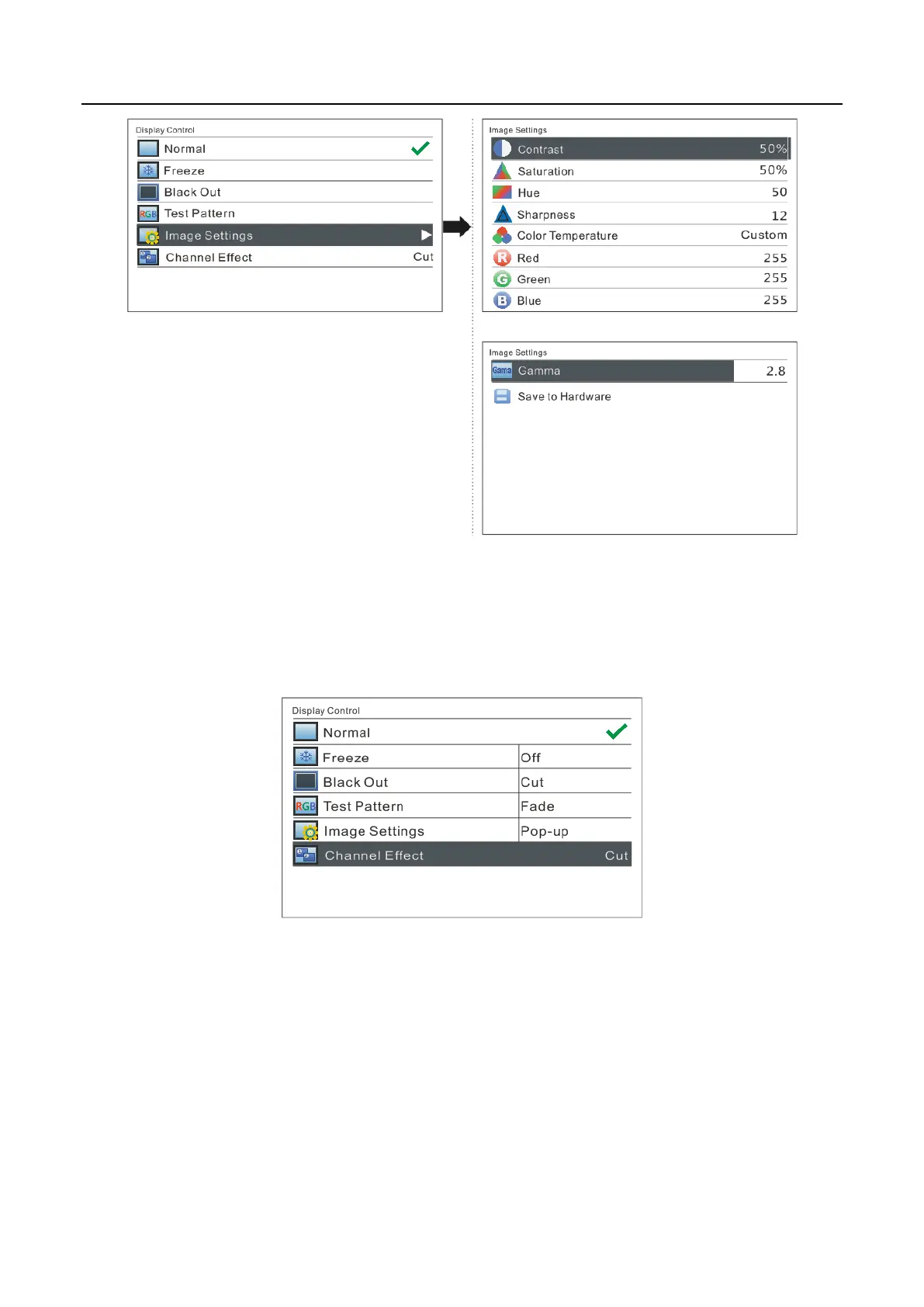
Channel Effect
The software supports three effects: cut, fade and pop-up. Select Off to if off to switch
off Channel Effect.
6.8 Advanced Settings
Several options of major function setting are included in advanced settings, as shown
in the figure below, including PIP, Advanced Configuration, Montage, etc. Operation
of each function will be detailed for users in the following chapter.



 To Next Page