EasyManua.ls Logo

NovaStar MCTRL300 - Signal Connection

NovaStar MCTRL300
82 pages
Print Icon
To Next Page IconTo Next Page
To Previous Page IconTo Previous Page
Loading...
NovaPro HD User's Manual
www.novastar.tech -6-
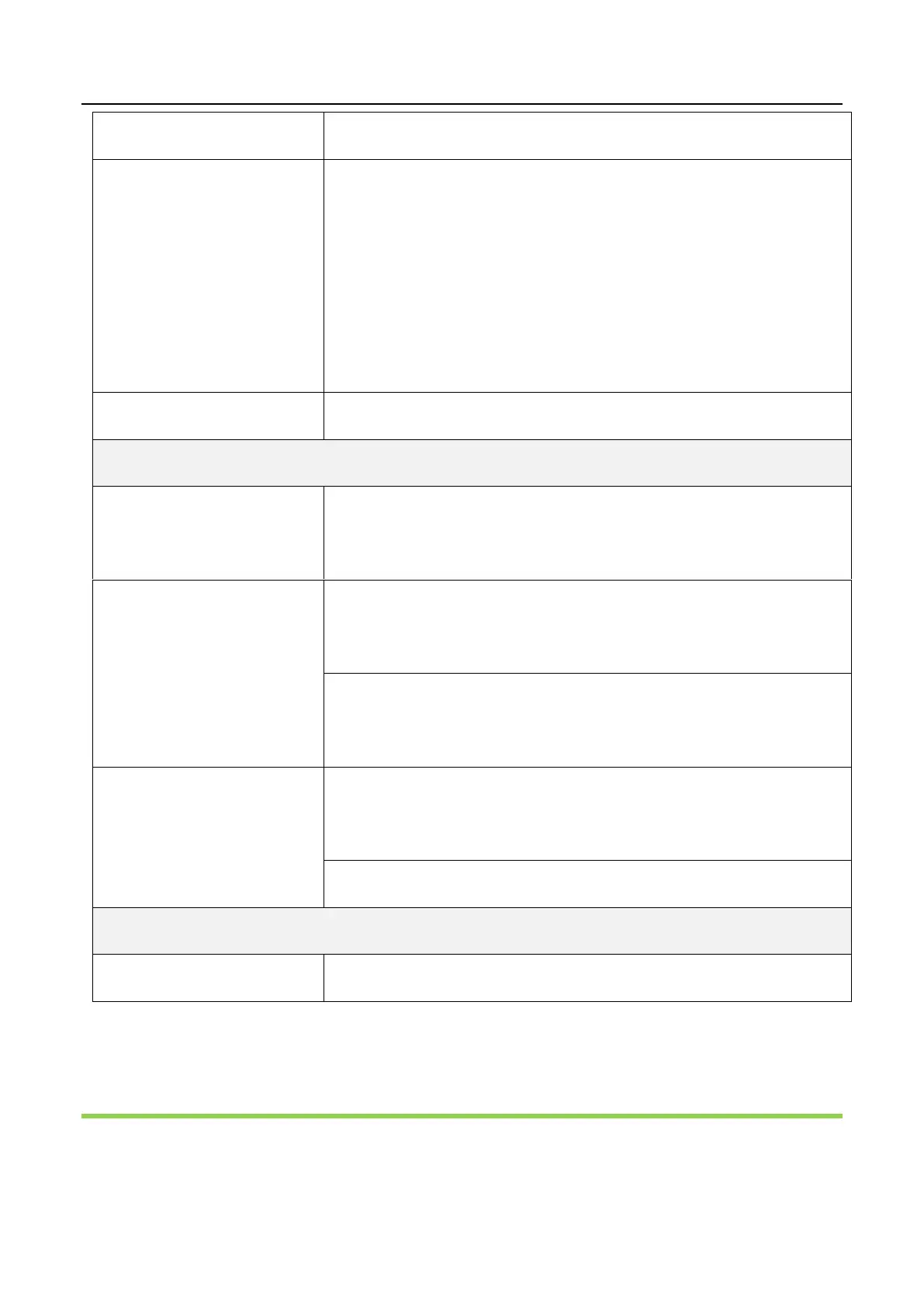
Monitor -HDMI
LED Out 1, 2, 3, 4
4 Ethernet port outputs
Only Ethernet port 1 supports audio output. When the
multifunction card is connected for audio decoding, the
multifunction card must be connected to the Ethernet
port 1.
OPT Output 1, 2, 3, 4
4 optical fiber outputs
Control Interface
ETHERNET
Ethernet Control (connecting PC for communication or
accessing Network)
USB Control
IN: connecting PC for communication or cascade input;
connecting USB OUT of last NovaPro HD
OUT: cascade output, Cascading USB IN of next NovaPro
HD
DMX Control
IN: connecting all consoles that support DMX512
interface protocol.
LOOP: DMX512 signal Loop output
Power
AC 100-250V~50/60Hz
AC Power Interface
4 Signal Connection
Signal Connection

Related product manuals